
Quick Summary
Restaurant inventory management helps owners track stock, reduce waste, and control costs. Moving from manual methods to digital tools saves time and improves accuracy. This guide covers key steps to manage inventory the right way.
Table Of Contents
Introduction
For restaurants to manage waste and to make sure that they have the right ingredients on hand, a structured approach is necessary. Many owners still rely on manual counting, which often leads to mistakes, spoilage, and lost time. Without a clear view of what is in stock, controlling food costs becomes difficult. This blog post explains how modern operations use restaurant inventory management to track supplies, reduce waste, and keep kitchens running smoothly.
Key Takeaways
Manual inventory methods lead to errors and waste.
Digital tools save time and improve accuracy.
Count high-cost items weekly, not just monthly.
Connect inventory software with your POS system.
Good stock control helps protect your profit margins.
Old Methods vs. New Tools - Using Them For Your Restaurant
Problems with Manual Work
It is important for restaurant owners to understand that using spreadsheets and handwritten counts can lead to issues. As a business expands, these restaurant inventory methods become ineffective since various individuals may use different versions of the same document. If cost updates are delayed, there is no way to track who made changes. By the time the data is available to the owner, the figures are outdated and do not reflect what is currently in the kitchen. This complicates the decision-making process.
How Automation Helps
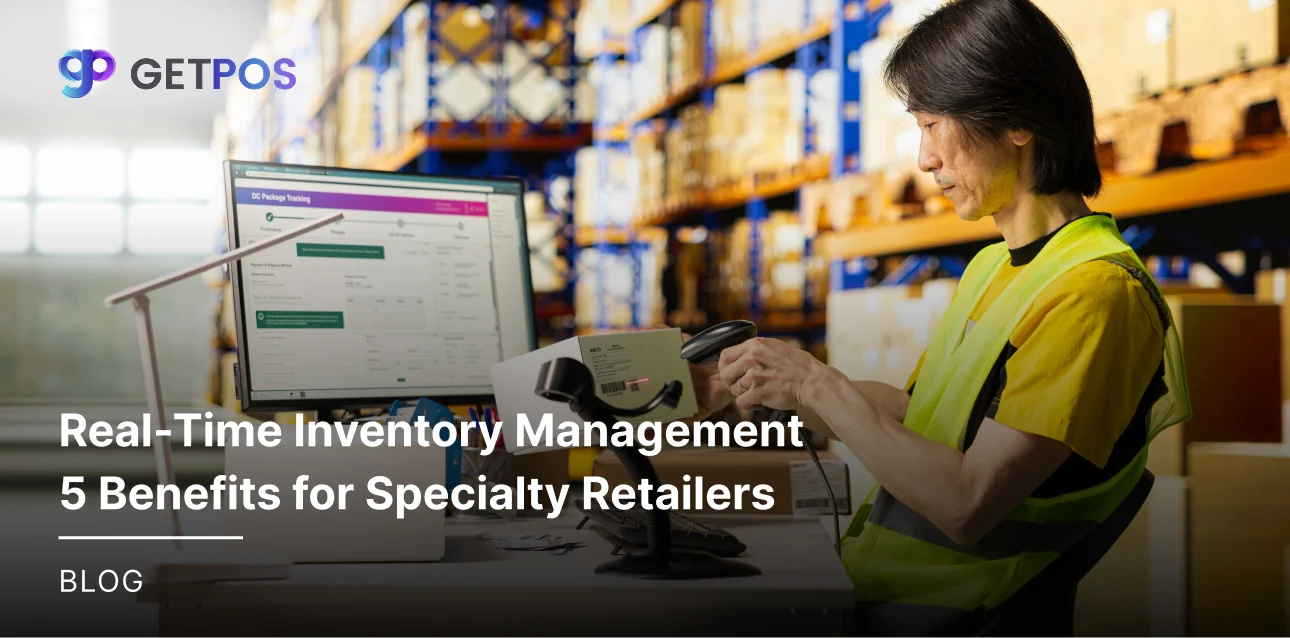
A restaurant inventory system changes this. Your staff scans items with a device, and stock levels update right away. There is no paperwork and no waiting. This process runs on a restaurant inventory management system that gives current stock numbers across all locations.
Choose the Right POS system for business performance.
Core Components of a Modern Inventory Process
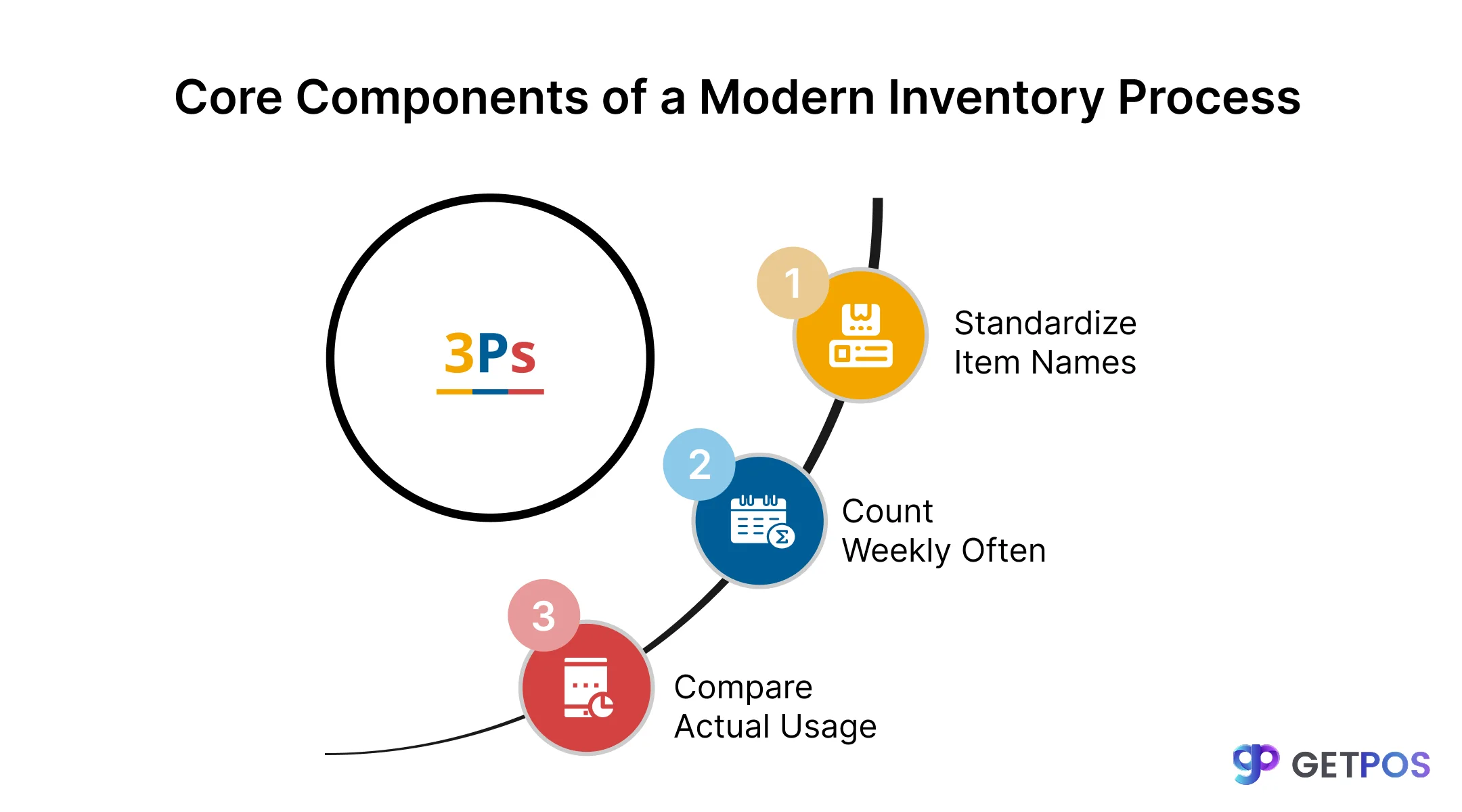
When we talk about automating the restaurant inventory process for managing inventory for your restaurant, there are three main parts that make it work well.
1. Use the Same Names and Sizes
For businesses with multiple locations, the biggest money leaks happen when data does not match. One location might call an item “tomato” while another calls it “roma tomato.” This creates confusion. Successful chains fix this by using one set of names, units, and pack sizes everywhere. This ensures restaurant stock management tracking methods are the same across all locations. When everyone uses the same language, numbers become reliable.
2. Compare What Was Used to What Should Have Been Used
An important factor in food inventory management for restaurants is the comparison between actual usage and theoretical usage. The actual usage is defined as what is left on the shelf, and the theoretical usage is what should have been used according to sales and recipe specifications. If these numbers do not correspond, it indicates a problem. This could be due to over-portioning, waste, or theft. Software connects sales data from the POS to recipe costs to identify these differences immediately, helping managers to catch problems early.
Always choose Multi-Location Store Management POS Solutions.
3. Count Often, Not Just Once a Month
Many restaurants count inventory once a month, which is not enough. A better approach is continuous counting. High-cost items like meat and alcohol need weekly counts. Dry goods can follow a cycle where different sections get counted on different days. When using a fast food POS system, inventory updates automatically as items are sold. This makes manual counts just a way to check numbers rather than the main method for restaurant inventory tracking.

Solving the 3 Biggest Inventory Challenges with Automation
Let us look at the three most common problems restaurants face with inventory and how to solve each one.
1. Wrong Order Amounts
Guessing how much to order leads to food going bad or running out of items. Both cost money.
Solution: Restaurant inventory software studies past sales to suggest what to order. This makes restaurant supply food inventory management planned instead of reactive.
2. Too Much Food Waste
Restaurants throw away billions of pounds of food each year. This is money lost.
Solution: Tools track expiration dates and send alerts before items go bad. Chefs can then use those items in daily specials.
3. Managers Getting Burnt Out
Managers spend weekends counting stock instead of running shifts. This leads to them quitting.
Solution: A restaurant online ordering system linked with inventory saves time. Automated tasks let managers focus on their team.
Know more about Restaurant Online Ordering System.
Key Features to Look For in Your Restaurant Tech Stack
Connects with Other Systems: The best restaurant inventory software works with your POS and accounting tools. When systems do not connect, data stays in separate places, and you cannot see the full picture, so that everything should flow together.
Works on Mobile Devices: Managers need to count stock using a tablet or phone. They should not have to use a computer in the back office, so look for barcode scanning support. This speeds up counts and reduces typing errors.
Shows Data Across Locations: If you have multiple restaurants, you need chain-wide inventory visibility. A dashboard lets you compare one location to another, which helps you spot which locations have problems and fix them quickly.
Conclusion
Managing stock well helps restaurants save money and reduce waste. With the right systems in place, managers spend less time counting and more time running their business. Good restaurant inventory control leads to better decisions and healthier profits.
If you are looking for a simple way to manage your stock, GETPOS connects your inventory, POS, and online orders in one place. This helps you see everything clearly and keep your kitchen running smoothly.

Frequently Asked Questions
A POS system tracks sales. Inventory software tracks stock levels. When connected, sales data automatically updates inventory counts in real time.
You can use the FIFO method (first in, first out), track expiration dates, count inventory regularly, and adjust order amounts based on actual sales data.
Yes. Barcode scanning speeds up counts and reduces typing errors. Staff can scan items with a mobile device, and stock levels update instantly.