
Quick Summary
Learn 12 easy tips to make your grocery store checkout faster and smoother. This helps reduce wait times and improves customer experience. Use technology and good staff training to optimize grocery checkout.
Table Of Contents
Introduction
For your grocery store, if you want to give a seamless, efficient, and easy experience to your customers, you need to focus on optimizing every step of the checkout process. A smooth grocery store checkout reduces wait times and makes shopping more pleasant for customers. Improving the checkout experience can also help retain customers and encourage them to return. In this blog post, you will find 12 practical tips to optimize your grocery checkout, solve common problems, and boost customer satisfaction.
Key Takeaways
Set clear goals to speed up grocery store checkout and reduce wait times.
Use self-checkout with staff support for faster grocery checkout.
Train cashiers well to improve checkout experience and customer satisfaction.
Use new technology like RFID to make checkout grocery store faster.
Design checkout lanes with enough space for easy bagging and quick service.
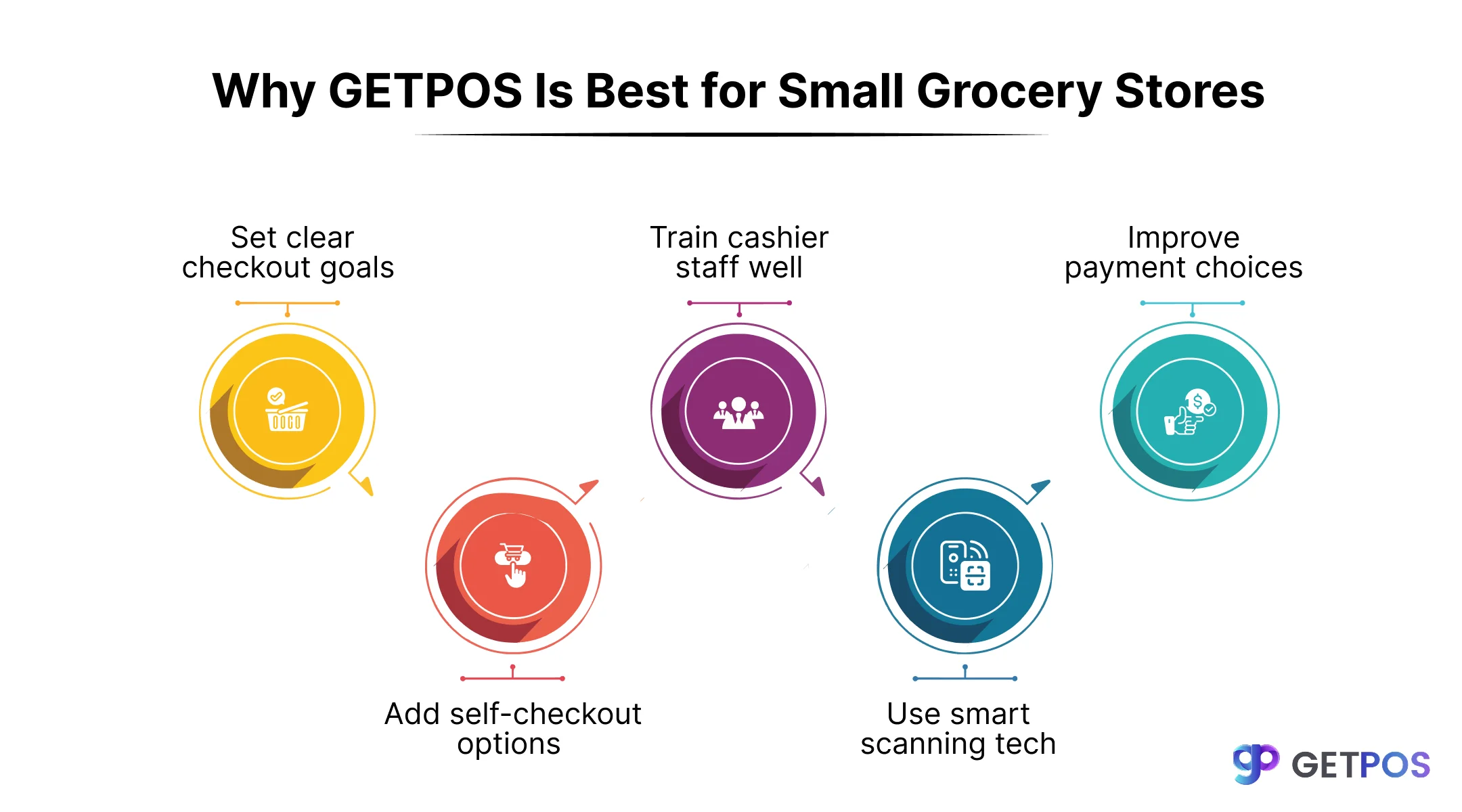
Tips to Optimize the Grocery Checkout Experience For Your Customers
1. Set Clear Grocery Store Checkout Time Targets
You can set clear targets for how long checkout should take, especially during busy times. This helps staff work faster and ensures customers spend less time waiting. Measuring checkout speed regularly helps find problems and improve performance at your grocery store checkout.
2. Implement Self-Checkout Stations with Support
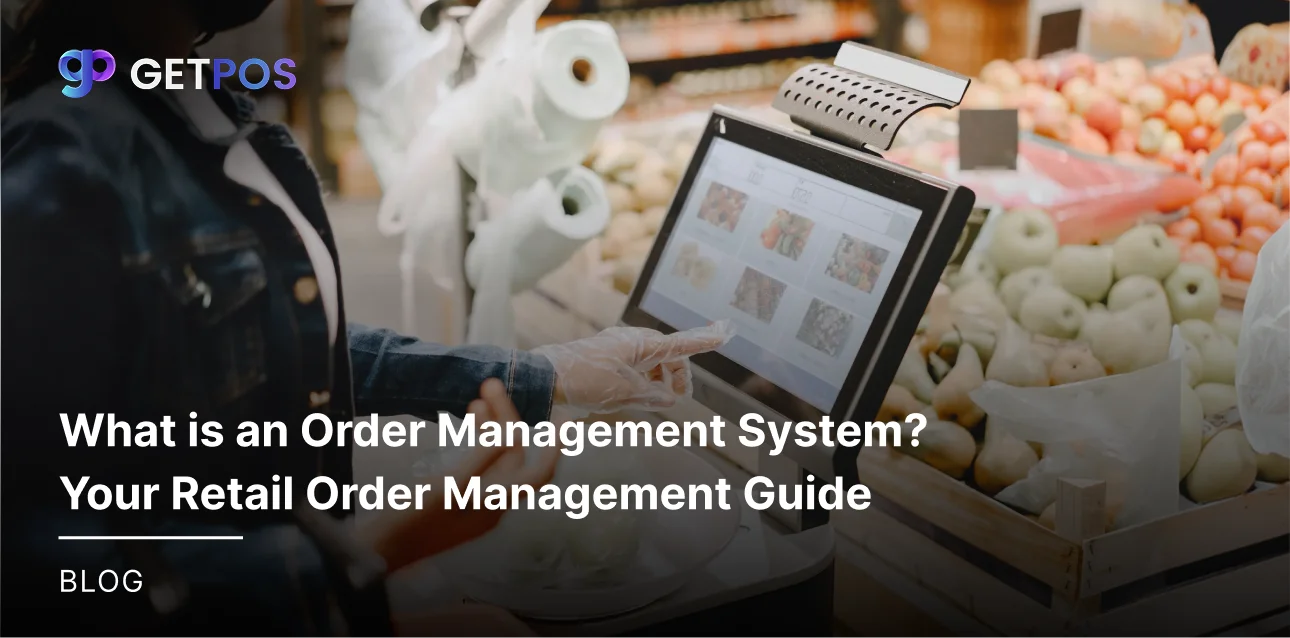
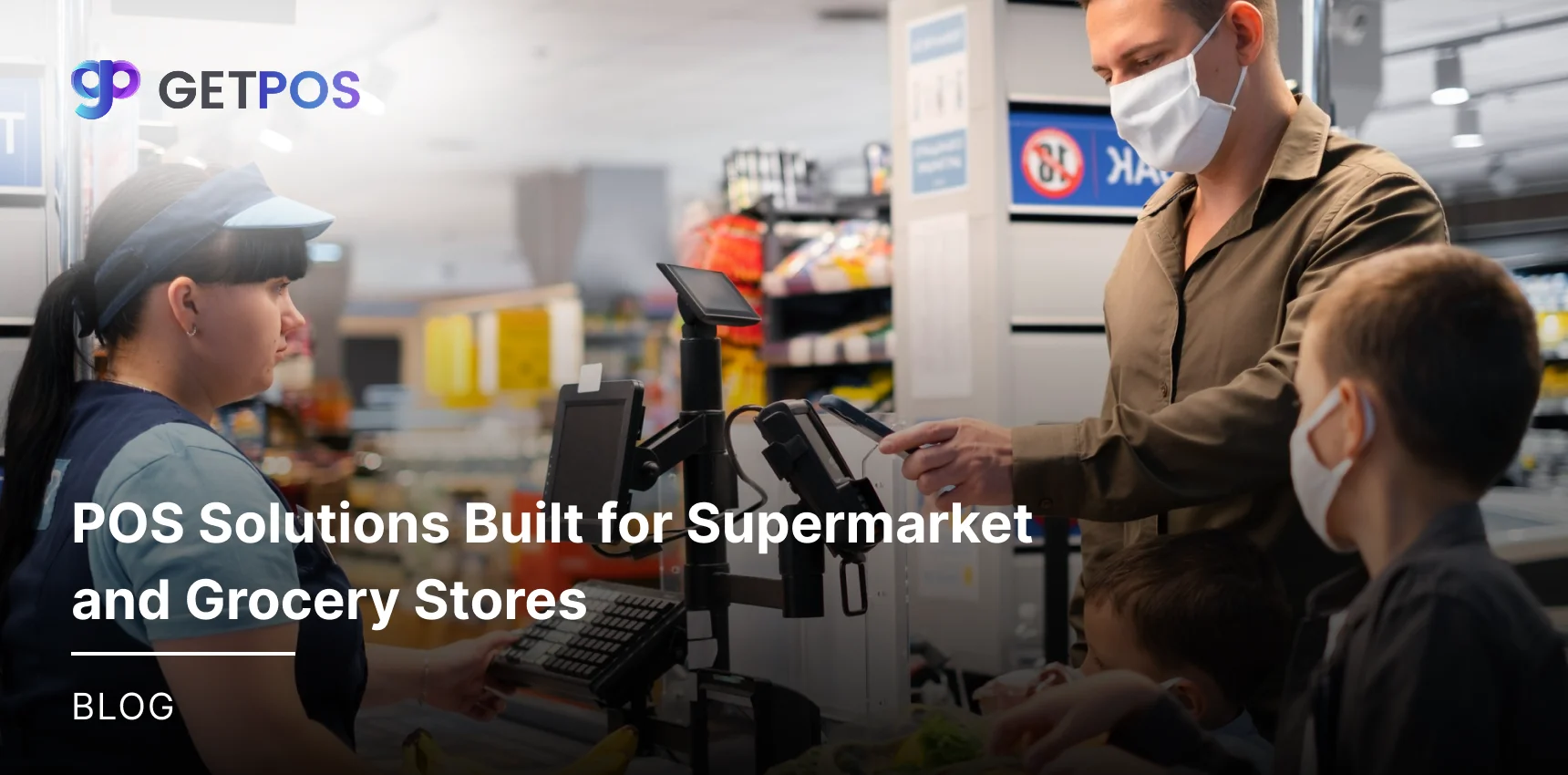
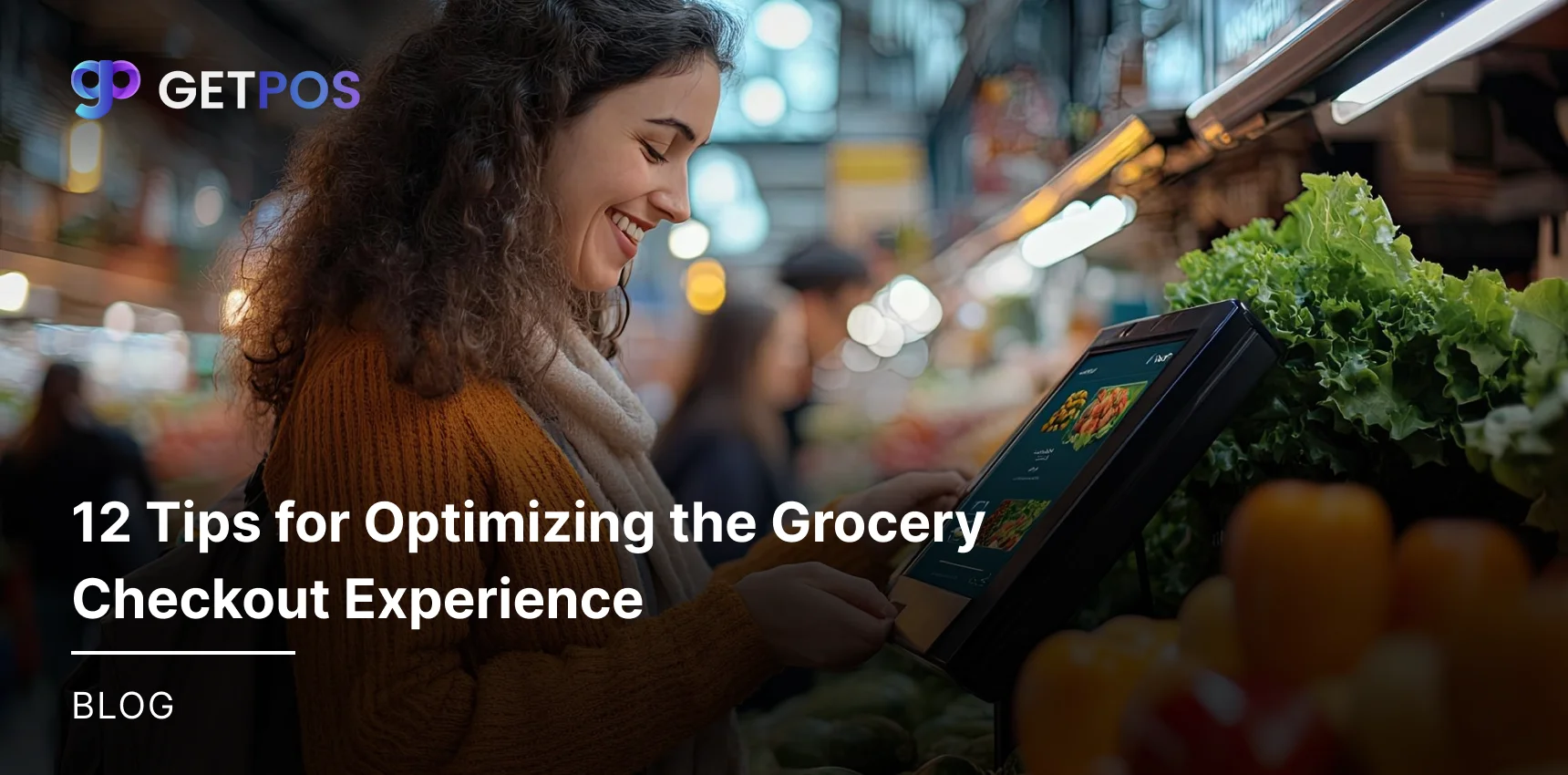
It is good to add self-checkout lanes that are easy to use, and have staff nearby to help customers with any issues. This reduces lines and speeds up grocery checkout, giving customers more control and a better checkout experience.
Check out the Grocery Store POS Systems in 2025 Pricing and Reviews.
3. Use Produce-Recognition and RFID Technology
Use newer technology to scan produce and other items automatically, like RFID tags and produce recognition speed up scanning and reduce errors. This technology helps make checkout grocery store processes faster and smoother.
4. Introduce Express Lanes for Small Purchases
You can create special checkout lanes for customers buying a few items. This helps them finish quickly without waiting in long lines. It also improves overall customer experience by making checkout faster for some shoppers.
Find out more about this Stock Management Software for Better Inventory.
5. Train Cashiers for Efficiency and Friendliness
It is best to train your cashiers to scan items quickly and interact politely with customers. Well-trained cashiers reduce delays and make the checkout experience more pleasant. Friendly service encourages customers to come back.
6. Offer Multiple Payment Options, Including Contactless
The checkout becomes efficient and fast when you accept many ways to pay, such as cards, cash, mobile pay, and contactless options. More payment choices help customers check out faster and make the grocery store checkout process easier.
Know the Importance of inventory management.
7. Optimize Checkout Lane Layout and Bagging Areas
You can design the checkout lanes in such a way that it has enough space for customers to place items and bag them easily. A well-organized checkout area helps move lines faster and improves grocery store tips on smoother customer flow.
8. Utilize Mobile Scan-As-You-Shop Devices
You can provide your customers handheld scanners or apps to scan items as they shop. This lowers the number of items to scan at checkout and speeds up grocery checkout, creating a better checkout experience.
9. Implement Queue Management Systems
Use staff or simple tools to guide customers to the shortest lines or open new lanes when needed. Good queue management keeps grocery store checkout areas organized and reduces customer wait times.
10. Ensure Technical Reliability of Self-Checkout Systems
Keep self-checkout machines well-maintained and updated, which also prevents errors and slowdowns that frustrate customers and delay checkout experience. Reliable machines improve customer trust and store efficiency.
Choose the best grocery store pos system.
11. Provide Clear Signage and Instructions
You can choose to put up simple signs explaining how checkout works, especially at self-checkout. Clear instructions reduce confusion, help customers complete purchases faster, and improve overall customer experience.
12. Balance Technology With Human Interaction
Even with self-checkouts, it is best to have enough staffed checkout lanes. Human cashiers help customers with issues and provide a friendly face, improving checkout experience and grocery store tips for better service.
Final Note
A smooth and fast customer experience at grocery store checkout is very important. It helps customers finish shopping quickly without stress. Using simple tips to improve the checkout experience can bring loyal customers and better sales for your grocery store business, whether big or small. Using GETPOS helps your store with a reliable system that speeds up checkout and accepts many payment methods. GETPOS also supports smooth operation and better customer service, making your grocery store checkout simple and quick for both staff and shoppers. This way, you can keep customers happy and save time.
Frequently Asked Questions
You can make use of self-checkout stations, train cashiers well, and add express lanes for small purchases. Technology like RFID can also speed up scanning and reduce waiting time.
A smooth checkout keeps customers happy, and here good service and faster lines encourage them to return and shop more often at your grocery store.
It is best to accept cards, cash, mobile pay, and contactless options, because more choices make checkout easier and faster for customers, improving their experience.
Good layout with enough space for bagging speeds checkout. It reduces crowding and improves the customer experience at the checkout grocery store area.
Even with technology, staff help customers with problems and speed up checkout. They improve service quality and make the grocery checkout process smoother.