

Quick Summary
Choosing the wrong restaurant POS is a costly mistake. This guide explains the seven most common errors owners make, like ignoring security or integration. Learn what to avoid so you can buy a POS system that truly supports and grows your business efficiently.
Table Of Contents
Introduction
It is great that you have taken a decision to go with a restaurant POS system for your business. But when it comes to choosing the right one, the wrong choice can hurt your daily operations and budget. This blog post will guide you through the most common mistakes owners make when they buy POS system. Avoiding these errors will help you select a solution that truly streamlines your service, manages costs, and grows with your restaurant. Let’s ensure your investment works for you, not against you.
Key Takeaways
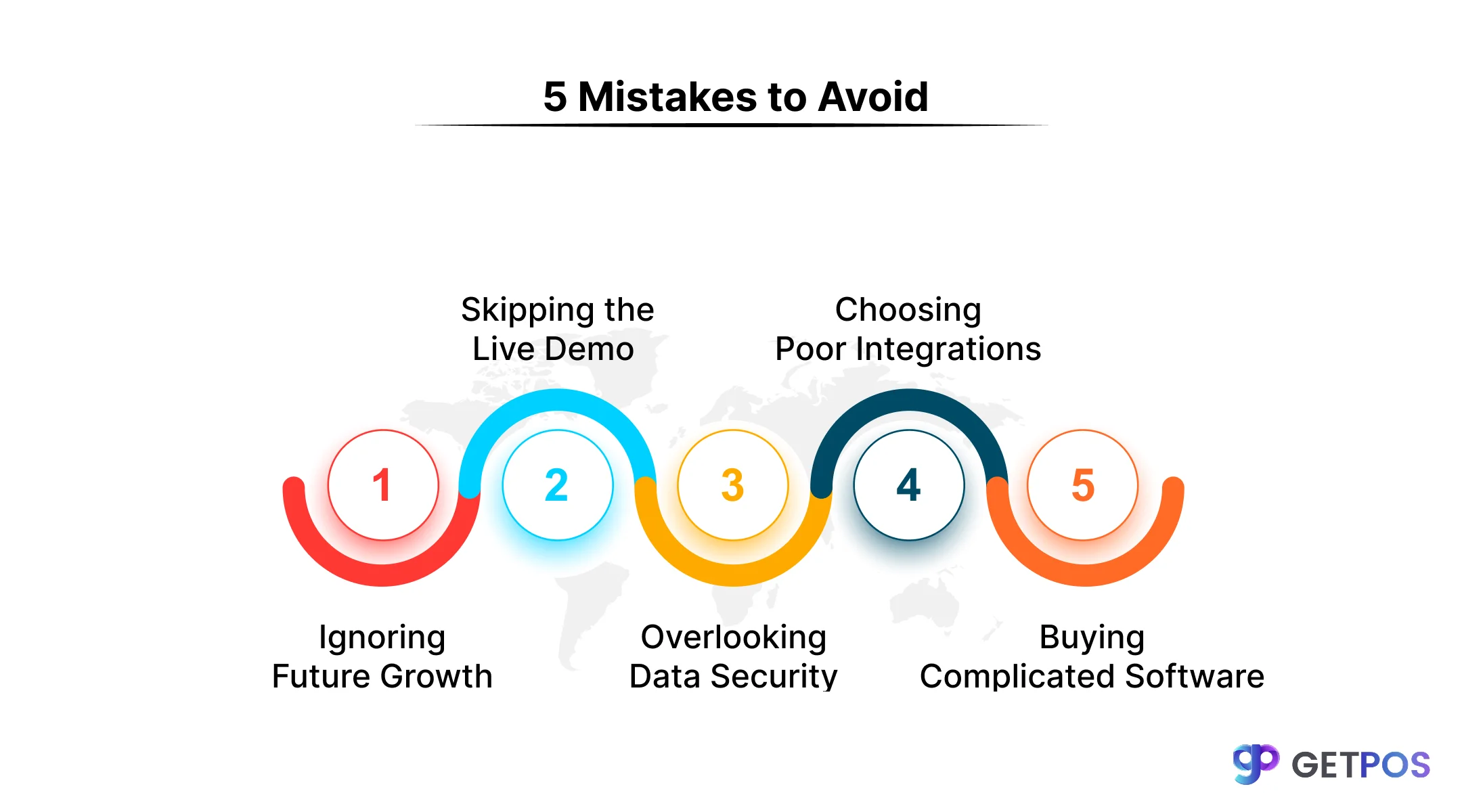
Never choose a POS based on price alone.
Ensure it integrates with your other business tools.
Test the system's ease of use with a live demo.
Strong data security is mandatory, not optional.
Plan for your restaurant's future growth from day one.
1. Prioritizing Price Over Value & Long-Term Needs
Yes, we don’t deny that the price is one of the main things to check. However, picking the cheapest option can be a big mistake. A low-cost system often lacks essential tools. More importantly, it may not grow with you. You could be forced into a costly and difficult upgrade later. Instead, you should focus on long-term value. Choose a POS software for restaurants that fits your future plans. The right investment now will save you money and hassle, supporting your restaurant operations management as you expand.
Check out these Restaurant Management Tips.
2. Overlooking Seamless Integration Capabilities
With a restaurant POS system, you can efficiently manage your sales. But if it cannot connect to your other tools, you will create more work. For example, without a direct link to your inventory or accounting software, you must enter data twice. This leads to errors and wasted time. A good system must work with your delivery apps and payment platforms. This connection is the key to smooth business transaction management. When you buy pos system, ask about its POS system integration options. Strong integration creates one smooth flow of information for your entire business.
3. Neglecting Hardware Compatibility and Form Factors
You should understand that for your unique restaurant business, the hardware matters just as much as the software. Your chosen POS systemfeatures won’t work if your printers, tablets, or card readers are slow or incompatible. This causes frustrating delays for your staff and customers. Therefore, plan for mobile POS compatibility for flexible tableside service. The safest choice is often a complete package from your vendor. Always check their official compatibility lists. Also, confirm their customer support for POS will help if your specific hardware has an issue.
Learn How GETPOS Supports multi-location businesses.
4. Ignoring Ease of Use and Staff Training Needs
You should do some research or talk to a professional to choose the right system. The best POS software is useless if your staff cannot use it easily. A complicated system leads to slow orders and mistakes during busy hours. This frustrates both your team and customers. Training new employees also takes too long. Always ask for a hands-on demo before you decide. Let your key servers or cashiers try it. The goal is a system they can learn quickly. Good POS system customization can also help the layout make sense for your specific menu and workflow.
5. Underestimating the Importance of Data Security and Compliance
Business owners should understand that a data breach can be very costly. If customer payment information is stolen, you face fines, legal trouble, and lost trust. Your restaurant Point of Sale system handles this sensitive data daily. Therefore, strong POS system security is not optional. You must choose a system that is PCI-DSS compliant. This means it uses modern payment processing solutions like encryption to protect card details. Always ask the vendor specific questions about their security features. Do not assume it is safe. Protecting your customers’ data protects your business.
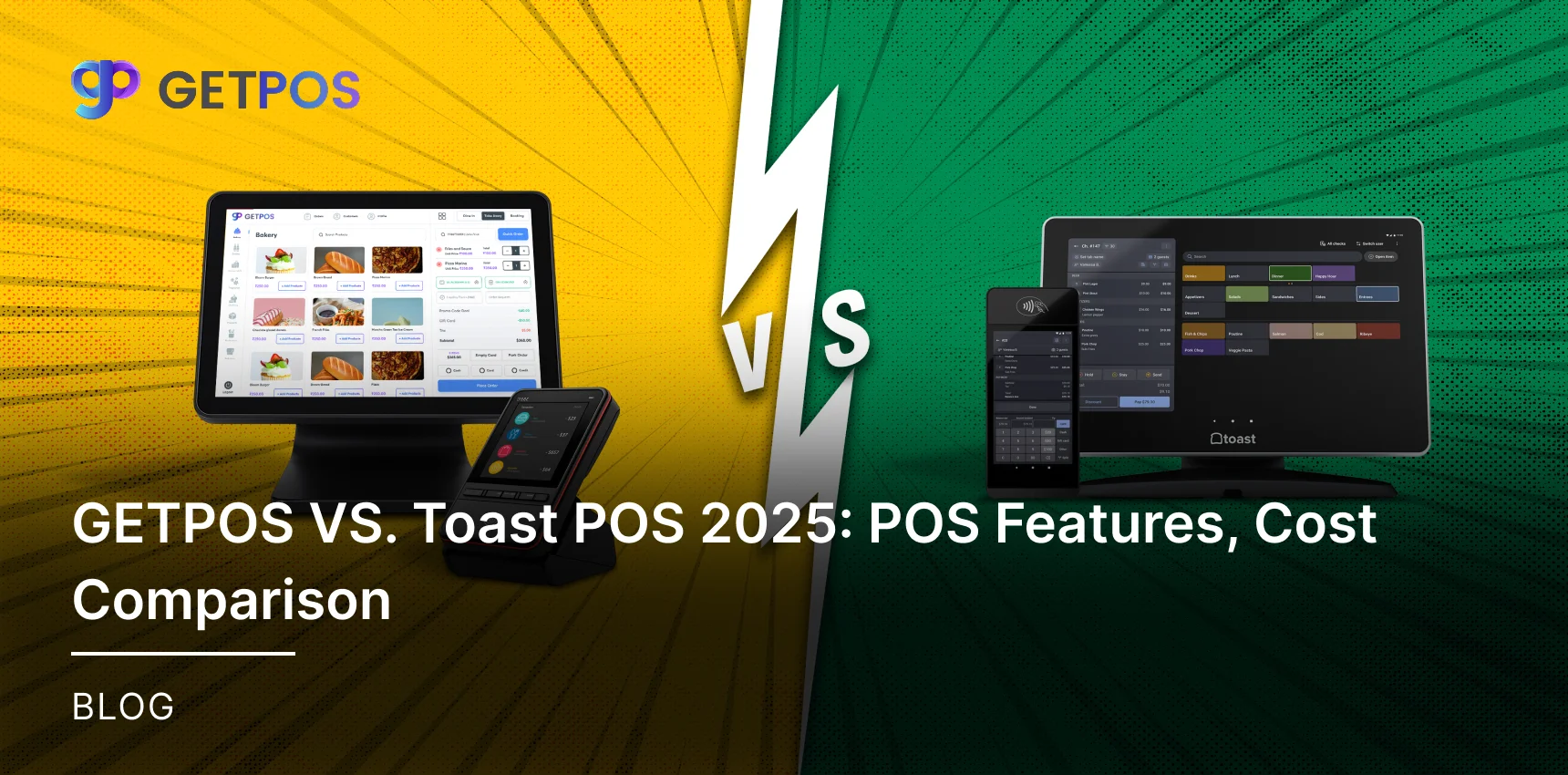
Check out comparison GETPOS VS. Toast POS.
6. Ignoring the Cloud vs. On-Premise Decision
Before choosing the right system, you must decide between cloud and on-premise setups. A cloud-based system runs online, allowing you to check sales from anywhere and offering automatic updates. An on-premise system is installed on your own local servers, which can mean higher upfront costs. Your choice is a major retail technology solutions decision. Think about your needs. Do you want remote access and lower IT work? Or do you prefer a one-time purchase? Your restaurant’s size and future plans should guide this choice between Cloud-based POS vs custom POS options.
7. Forgoing a Hands-On Demo and Vendor Vetting
Before making the end decision, you must try the system yourself. A sales brochure cannot show you how the software really works. You must do a hands-on demo. Use your own menu items to test it. Try to split a check, add a modifier, or apply a discount. See if the reporting tools are clear. This test will show you if the system is slow or confusing. It also lets you judge the vendor’s help and knowledge. Finally, ask for and check customer references. A good demo prevents regret after you buy POS system.
Learn more about Cloud based POS systems for restaurants.
Conclusion
Choosing the right restaurant POS system is a major decision. By avoiding these common mistakes, you protect your investment and set your business up for smoother operations. Focus on value, integration, security, and real-world testing.
For a system that masters these essentials, consider GETPOS. Our platform is built specifically for restaurants, offering seamless integration, top-tier security, and an intuitive interface that your staff will feel easy to use and implement. We provide the dedicated support and reliable tools you need to grow with confidence, all in one smart solution.
Frequently Asked Questions
Having a reliable POS system integration is critical. It must seamlessly connect your sales, inventory, and payments into one system to avoid errors and save you countless hours of manual work.
Yes, many modern systems offer Mobile POS Compatibility. Using tablets allows for tableside ordering and payments, improving service speed and customer experience in your dining area.
A good cloud-based POS has an offline mode. It will store orders and process payments locally, then sync all data automatically once the internet connection is restored.
Yes. Inventory Management Integration tracks stock usage from sales. This automates ordering, reduces waste, and alerts you when ingredients are running low, directly controlling food costs.
Yes, it is often safest. They ensure full compatibility and include the hardware in their support. Using your own devices can lead to technical issues and void support agreements.