
Quick Summary
Restaurant inventory management helps owners track stock, reduce waste, and control costs. Moving from manual methods to digital tools saves time and improves accuracy. This guide covers key steps to manage inventory the right way.
Table Of Contents
Introduction
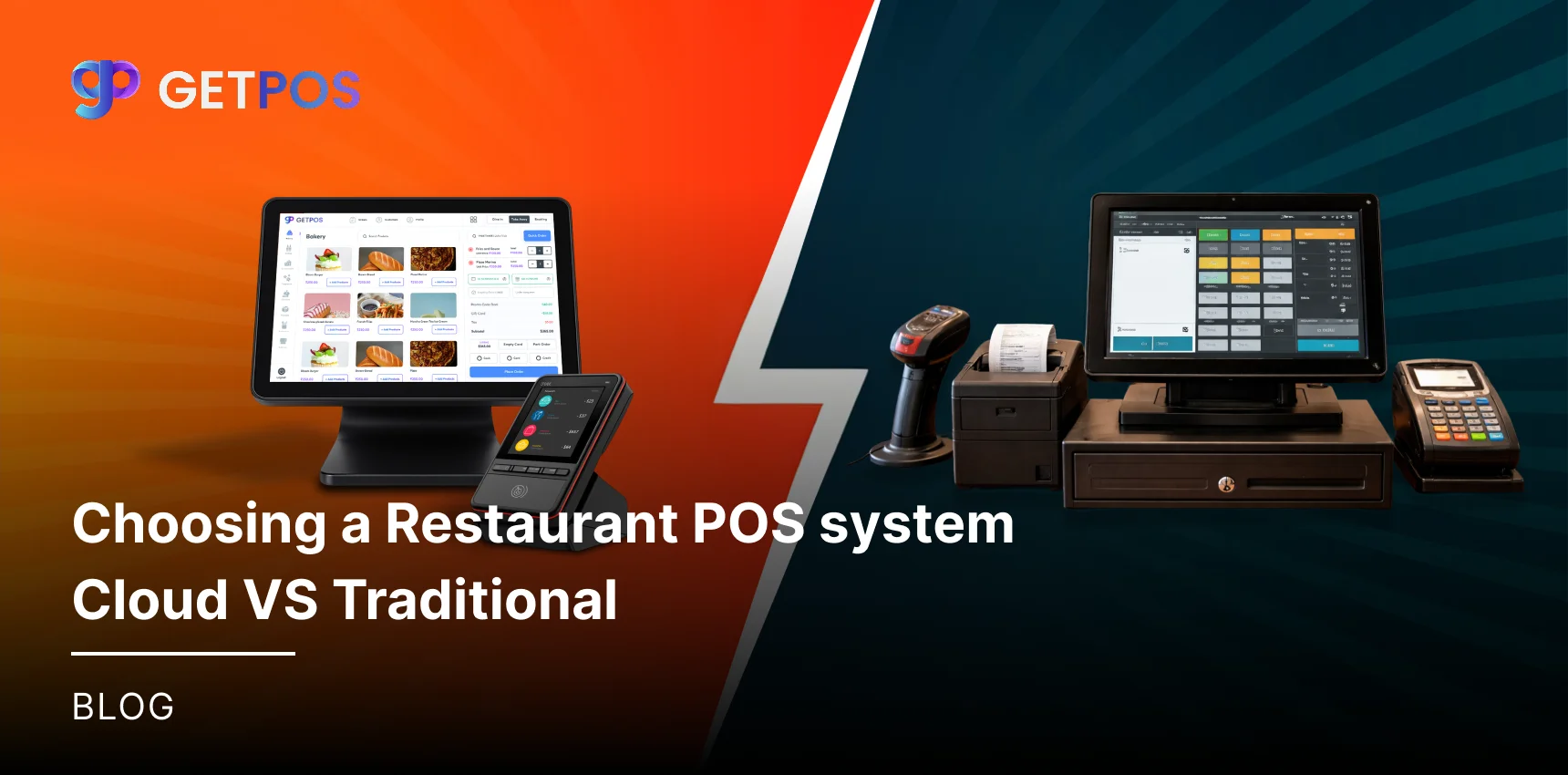
Technology is fast changing and with new advancements in each field, it is important that restaurant owners too stay informed about the tools they use every day. One of the biggest decisions you will make is choosing a restaurant POS system that fits your operations. The main debate today comes down to two options: a cloud-based setup or a traditional on-premise setup. Each type works differently and comes with its own costs, risks, and benefits. In this blog post, we will break down what separates these two choices so you can make a confident decision without any technical confusion.
Key Takeaways
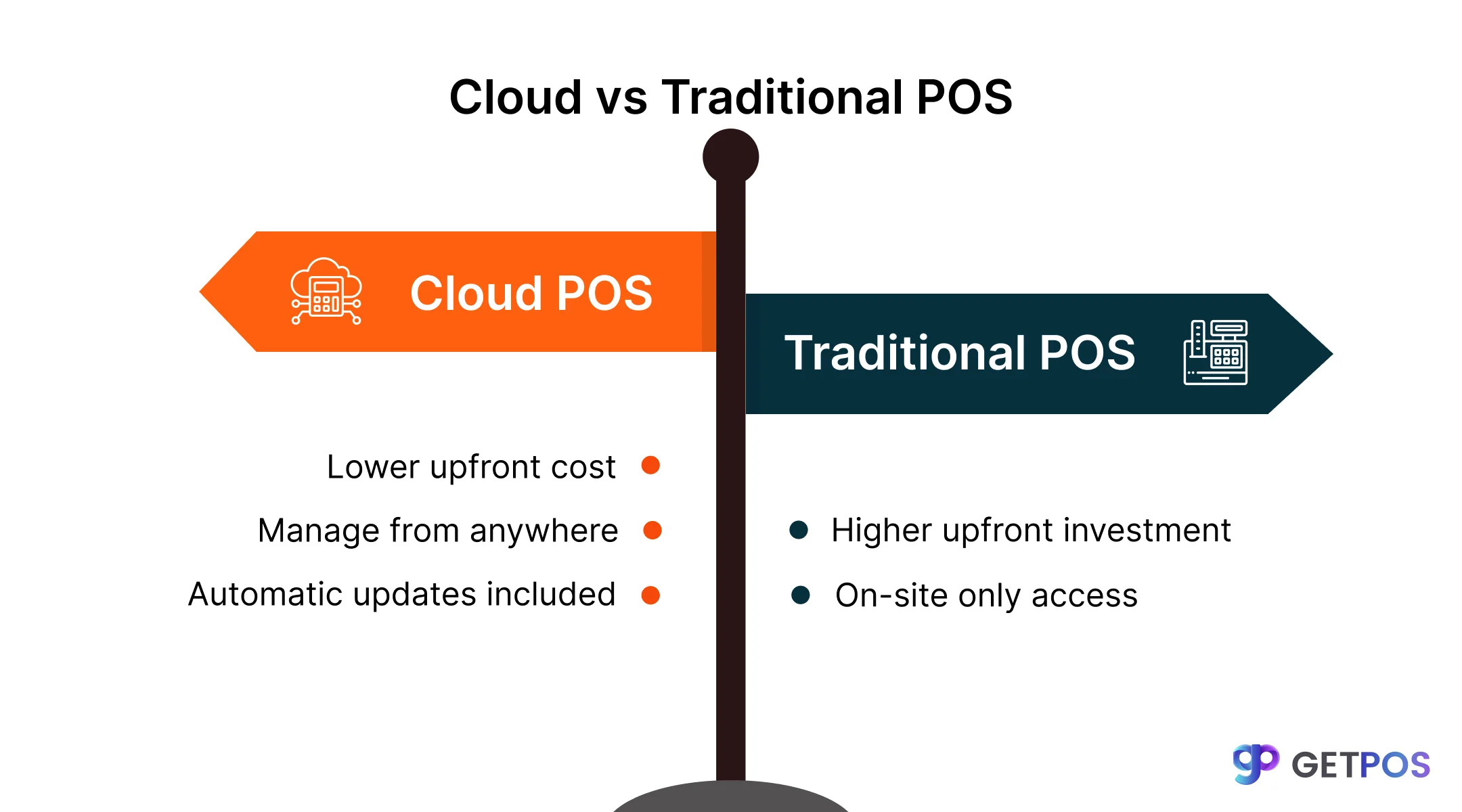
Cloud systems have lower upfront cost but ongoing monthly fees.
Traditional systems cost more initially but fewer recurring charges.
Check offline capability before buying any system.
Cloud makes managing multiple locations easier.
Payment processing lock-in can increase your costs significantly.
What a POS System Really Costs Over Time
For restaurant owners to choose between a cloud system and a traditional POS system, knowing the full cost over five years is essential. The price tag you see at the start is never the final amount.
Traditional System Costs
When you buy an on-premise POS system, you pay for hardware upfront. But after that, yearly maintenance contracts cost between $1,500 and $4,000. If a part breaks, emergency repair fees add up. When upgrades happen, your business stops working during that time, which means lost sales.
Cloud System Costs
A cloud POS for restaurants has a low monthly fee, usually $50 to $300. But the extras add up quickly. Adding a kitchen display system costs more. Adding restaurant and Inventory Management Software is another tier. Many providers also lock you into their payment processor, so you cannot shop for better rates.
What This Means
A cloud system saves you money on hardware. But over many years, the monthly fees and add-on costs can match or go beyond what a paid-off traditional system would have cost you.
Choose this Restaurant Inventory Management.
Keeping Your Restaurant Running During Outages
To keep up with daily operations, restaurant owners worry most about internet reliability. This concern is valid because if the system stops working, sales stop too.
Problems with Traditional Systems
A traditional POS system does not need the internet to run. But it has a different weakness. All terminals connect to one central server. If that server crashes, every single register stops working at the same time. Data backup must be done manually, and many owners skip this step. When something fails, the entire business comes to a halt until a technician arrives.
How Cloud Systems Have Improved
Many people think a cloud POS for restaurants stops working without internet. But modern systems have solved this. They now offer an offline vs online POS system mode that works differently. When the internet goes down, the system saves every order locally. Once the connection returns, all data syncs automatically. This means your staff can keep taking orders and processing payments even during an outage.
Get the Multi-Location Store Management POS Solutions.
Always choose Multi-Location Store Management POS Solutions.
How it helps you
Here, don’t focus only on whether a system is a restaurant POS system cloud vs traditional. Look at what happens when the internet goes down or when hardware fails. A system with true offline capability gives you more protection than an older system that relies on one vulnerable server.
Growing to Multiple Locations Made Simple
If you are planning to scale and grow your restaurant and open multiple locations, your system choice matters. Some of the best POS system for restaurants make expansion easy, while others create major roadblocks.
When Traditional Systems Struggle
Adding a second location with a traditional POS system means buying all new hardware again. You also need separate licenses and manually enter menus at each store. To see sales from all locations together, you need complex software setups or outside tools.
How Cloud Makes Expansion Easier
A cloud POS for restaurants lets you update menus across all locations from one screen. You can see sales, labor, and inventory numbers from every store in real time without extra work. This saves time and reduces mistakes. If you plan to grow, choose a system built for multiple locations. Cloud systems handle expansion smoothly without forcing you to replace everything later.
Use this efficient Mobile POS System for Restaurant.
Tax Updates and Connecting Other Tools
The cloud option helps with two important needs. First, a restaurant order management system must connect with delivery apps, loyalty programs, and accounting software. Cloud systems do this easily. Traditional setups need extra costly tools to make these connections.
Second, tax rules change. When they do, cloud systems update overnight without any effort from you. With a traditional POS system, you must wait for a technician to visit and manually update everything. This delay risks errors and penalties.
Some owners want cloud benefits but worry about internet issues. A hybrid setup gives you cloud reporting and mobile POS for restaurants with tablets, while keeping local backup so you never stop working.
Get this Restaurant Online Ordering System now!
End Note
If you want flexibility, easy expansion, and automatic updates, choosing a cloud POS for restaurants is the smarter move. A cloud system lets you manage multiple locations from one screen, connect with delivery apps without extra costs, and stay compliant when tax rules change. If you want a system that balances cloud features with stable offline operation, GETPOS gives you modern tools without the risk of losing sales when internet drops.
Frequently Asked Questions
Yes, most cloud systems have an offline mode. Transactions are saved locally on the device and automatically sync to the cloud once internet is restored.
Cloud systems have lower upfront costs but ongoing monthly fees. Traditional systems cost more upfront but fewer recurring charges. Compare 5-year total costs before deciding.
Look for integration with delivery apps, accounting software like QuickBooks, loyalty programs, and inventory management tools to avoid manual data entry.