
Quick Summary
The best booking management software with POS puts your calendar and cash register on one screen. You stop typing details twice. Inventory updates instantly when products are sold or used in a service. This guide explains what to look for in a unified system.
Table Of Contents
Introduction
To handle product sales and service checkouts simultaneously, businesses need a system that connects appointments directly to the cash register. Many owners waste time switching between a calendar app and a separate billing screen. This creates errors and slows down the checkout line. In this blog post, we look at how the right booking management software with POS integration solves this specific problem. We will explain how a single screen can manage both a client’s appointment time and their final product purchase without any double entry, making daily operations smoother.
Key Takeaways
One screen shows calendar and payments together.
Stock levels update right after a product is sold.
Clients can book and pay online anytime.
Reports show daily sales and appointment totals.
A single system costs less than three separate tools.
The Challenges of Disconnected Calendars and Cash Drawers
There are many challenges and issues business owners face when their calendar tool and payment machine do not talk to each other. The biggest problem is data entry done twice. Staff must first mark a client as “arrived” in the calendar app.
Then they must open a separate billing screen and type in all the service details again. This wastes time and leads to typing mistakes. Another major issue is inventory tracking. If a service uses a retail item like shampoo or oil, the stock count does not drop automatically. The owner only finds out about low stock days later during a manual count.
Also, taking payments for missed appointments is hard. You have to create a separate invoice or call the client to ask for card details. Using a proper booking management software with POS integration removes this gap. A good POS integrated booking system puts the calendar and the cash drawer on one single screen.
Understanding True POS Integration vs. Simple Add-Ons
To get the right POS integration, you must know the difference between a real connection and a simple link. Many software tools say they offer an appointment booking system with payment options. But this is often just a button that opens a separate payment page.
The data does not flow back and forth. True point of sale integration benefits are much deeper. With real integration, the same customer record is used everywhere. The booking history, purchase history, and payment method all sit in one place. You do not need to update contact details in two different apps.
So, inventory levels change right away when a product is sold at the counter or used during an appointment. The biggest advantage is a single transaction log. You can see every sale made in a day on one report. You do not have to add up numbers from a calendar report and a card machine statement separately.
Core Features of a Unified Appointment and Payment Platform
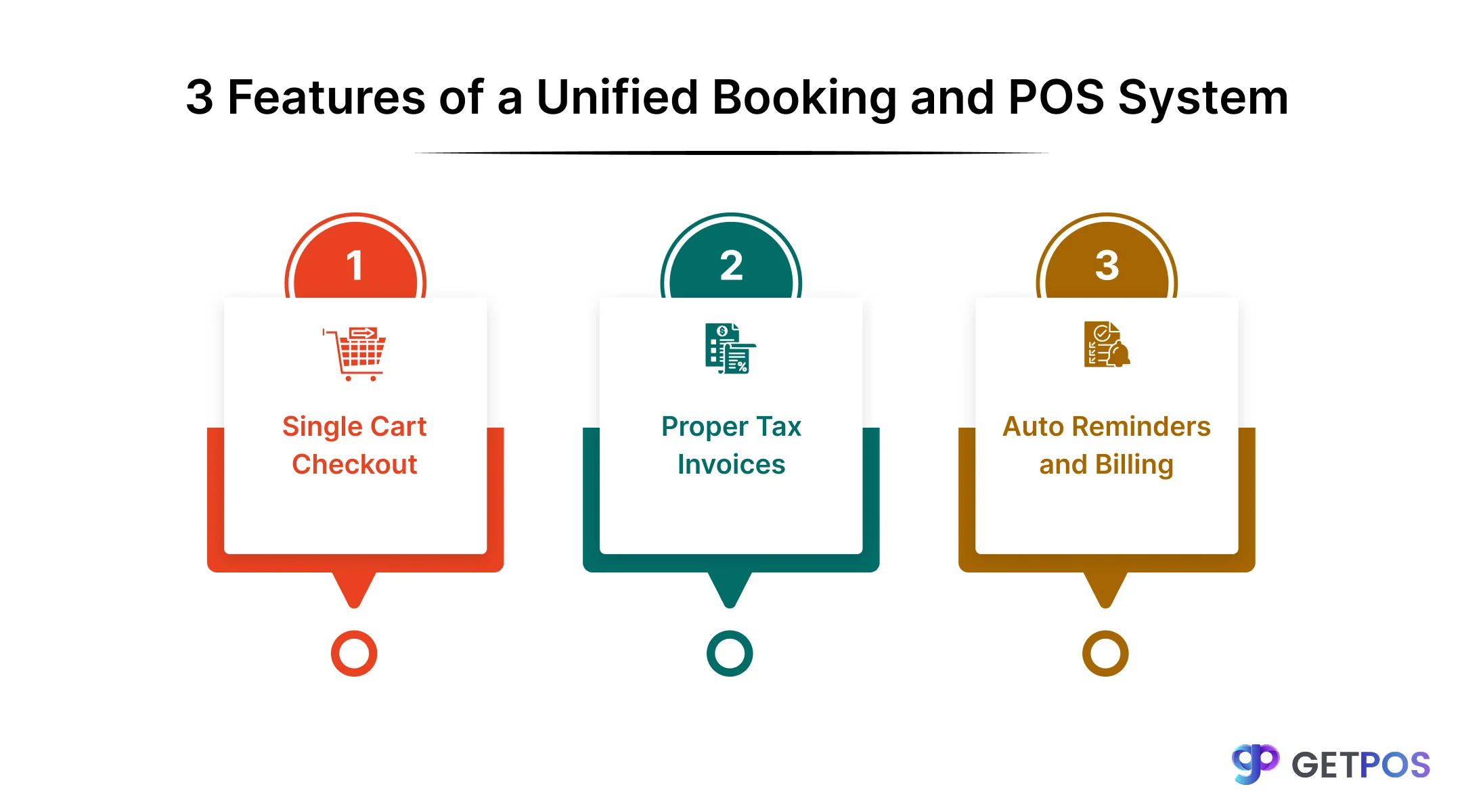
A unified appointment scheduling software with POS changes how you handle daily tasks. Here are three core features that make operations smoother.
Add Service and Product Together
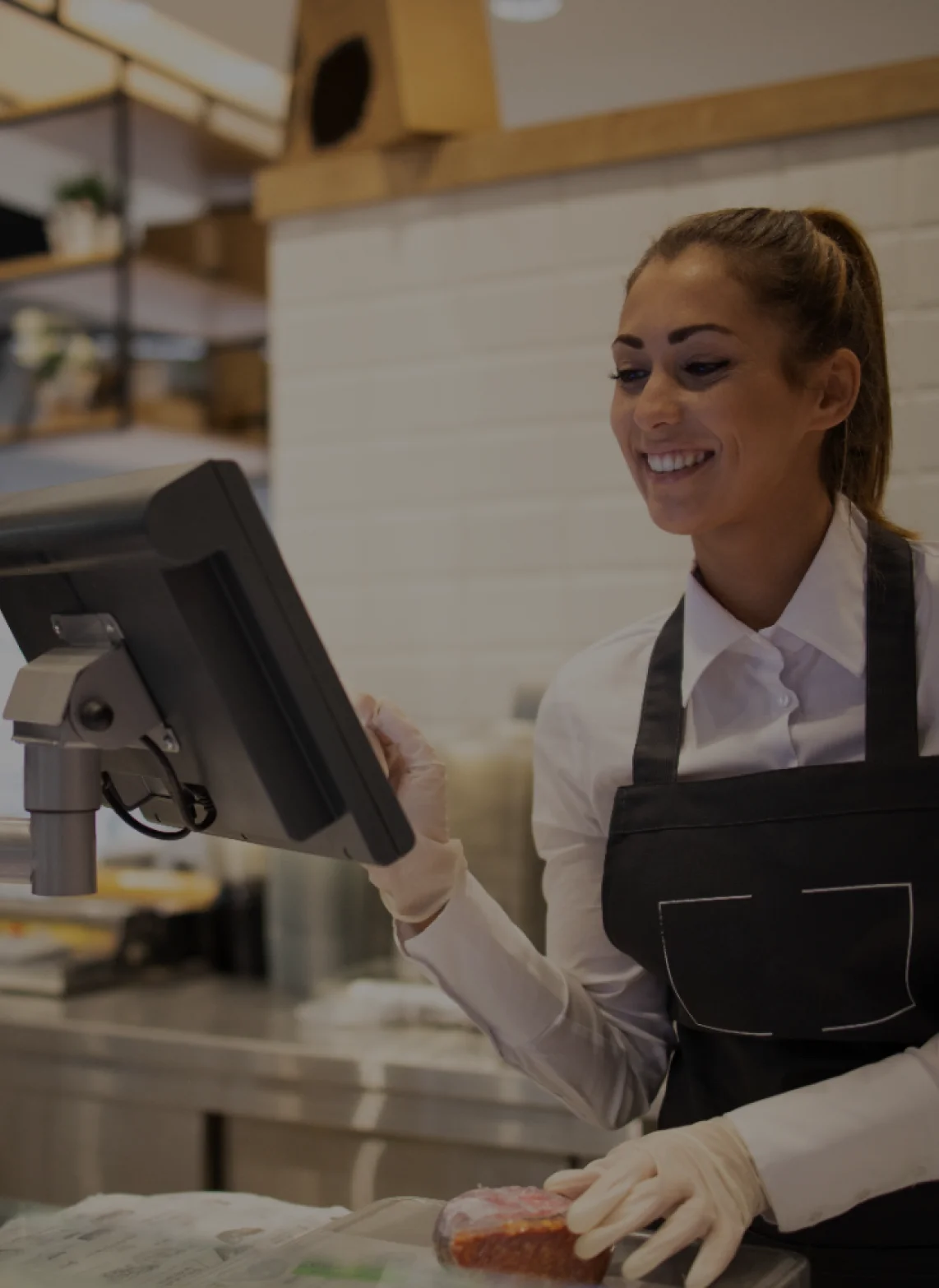
A proper appointment management system lets staff add booked services and physical products to one single cart. You do not need to make two separate bills. The screen shows the service charge and the retail item price together. The customer pays once. This saves time and reduces mistakes at the front desk.
Create Proper Tax Invoices
A good booking software with invoicing and payments creates proper tax bills. It does not just send a calendar email. The invoice includes GST or tax details, item names, and payment method. This keeps your accounts clean and ready for tax filing. You stay compliant without extra paperwork.
Automated Scheduling and Billing
This means less follow-up work for staff. The system can send reminders before the appointment. It can also charge a saved card after the service is done. No one has to call the client or chase pending amounts. Everything happens based on rules you set once.
Why Unified Systems Help Small Business Growth
A single booking and payment software helps whether you run one shop or plan to open more locations. Here are two main reasons why it matters for growth.
Keep Stock Count Correct Across Locations: Running a multi-location booking system needs one central view of everything. If Store A sells a product, Store B should see that drop in stock right away. Without this, staff might book an appointment and promise a product that is already gone. A cloud-based setup updates numbers instantly across all outlets. This stops overselling and keeps customers happy.
Save Money on Monthly Software Bills: Using an all-in-one booking and POS system costs less than paying for three different tools. You avoid separate fees for a calendar app, a payment gateway, and an inventory tracker. A real-time booking system also speeds up checkout. The client pays faster and leaves sooner. Less waiting time means better service for everyone.
Conclusion
Choosing the right best booking software for small business makes daily work much easier. If you run a service counter that also sells products, GETPOS is a strong choice. It is a digital booking platform that combines appointments, billing, and stock tracking on a single screen. You can book a client and sell a retail item in the same transaction. The system also works as an online Booking Management Software with payment processing, so customers can book and pay anytime. This keeps your records clean and your checkout line moving fast.
Frequently Asked Questions
Yes. A unified POS integrated booking system lets you add services and products to one single cart. The customer pays once for everything; no separate bills are needed.
Yes. True integration with online booking system means stock levels drop right away when a product is sold or used. This prevents selling items you do not have.
Yes. Most appointment management system tools show staff calendars and track service history per employee. This helps with payroll and performance checks.