
Quick Summary
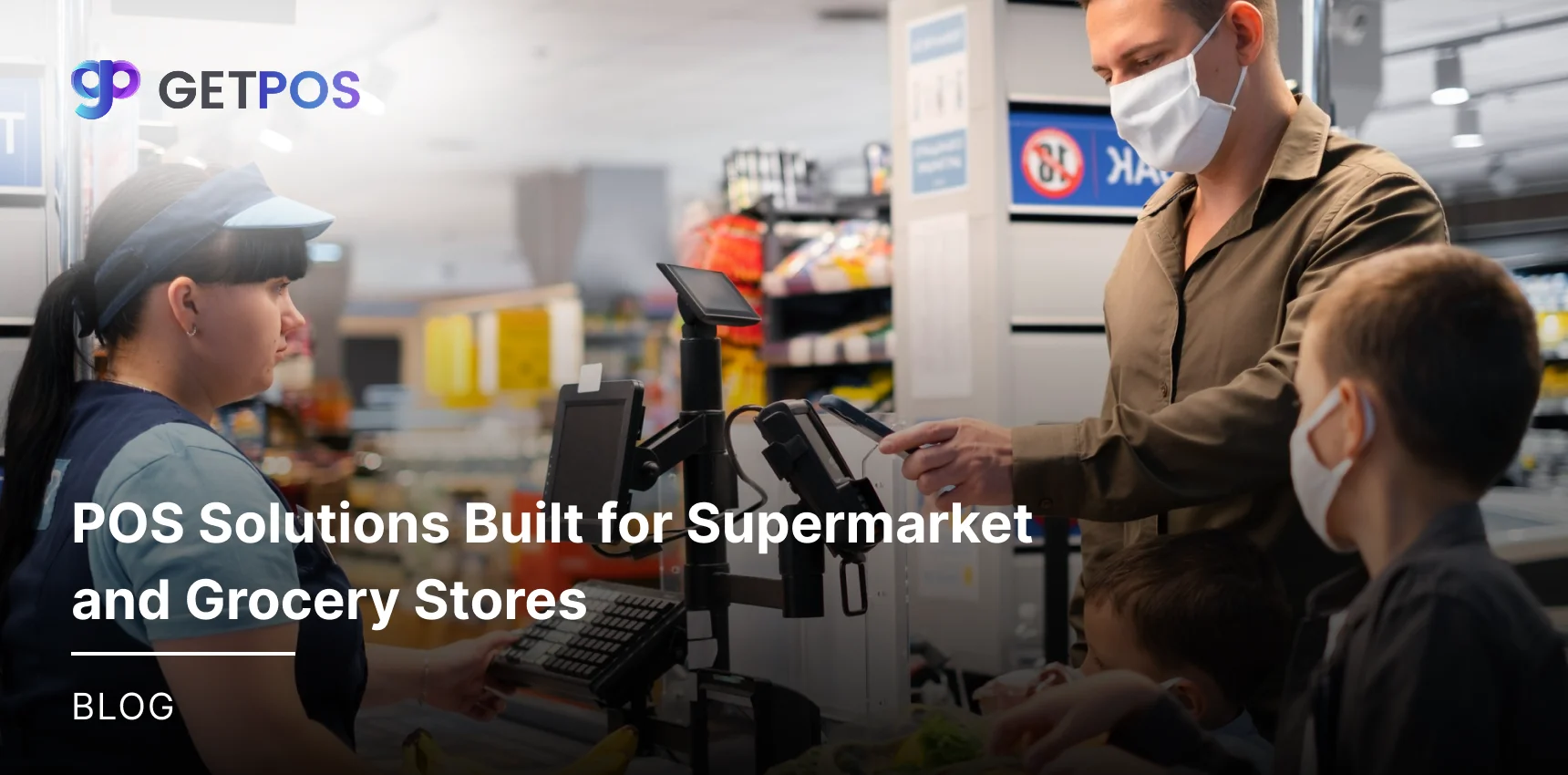
This guide shows pos solutions for supermarket & grocery stores built for fast billing and stock control. Fix slow queues, pricing mistakes, and expiry waste with features like scales, scanners, and payments. Owners learn to pick supermarket POS that handles busy counters and grows sales daily.
Table Of Contents
Introduction
To manage your supermarket & grocery stores efficiently, it is important to choose only specific POS solutions that are built for high-volume sales, fast billing, and stock tracking. Generic systems often fail with perishable items, long queues, and varying weights, leading to errors and lost sales. In this blog post, you will learn how a good POS cuts costs, speeds up work, and grows your business. This guide helps owners solve real daily problems with proven steps.
Key Takeaways
Choose pos solutions for fast billing and stock tracking.
Fix slow queues with barcode scanners and weighing scales.
Track expiry dates to cut waste on perishables.
Use multi-payments to serve all customers quickly.
Pick cloud POS for multi-location sales reports.
Operational Challenges in Supermarket and Grocery Billing
Most supermarkets usually face challenges that can lead to issues in billing, other basic functioning, etc. Here are some of them.
Dealing with Slow Checkouts: The usual long lines at counters at the grocery stores during busy hours can slow down customers and staff. This happens because basic supermarket POS cannot process many items quickly, which then leads to unhappy shoppers leaving without buying more. And at the end, owners lose sales when queues take too much time.
Having Pricing Errors: It is challenging when wrong prices show up often due to manual entry or old price tags. This causes billing mistakes and arguments at checkout, and grocery store POS system setups miss quick price updates for sales or discounts, so customers get frustrated and may not return.
Having Inventory Mismatches: Your stock counts do not match real shelves because systems can lag in updates, and thus, the items show as available but are out of stock. A generic supermarket POS system fails to track fast-moving goods or perishables, which leads to extra ordering costs and lost sales.
Other Integration Headaches: Grocery store POS does not connect well with accounting or loyalty apps, and your data stays stuck in separate places. Staff waste time entering info twice, and owners struggle to see full sales reports or customer points across locations.
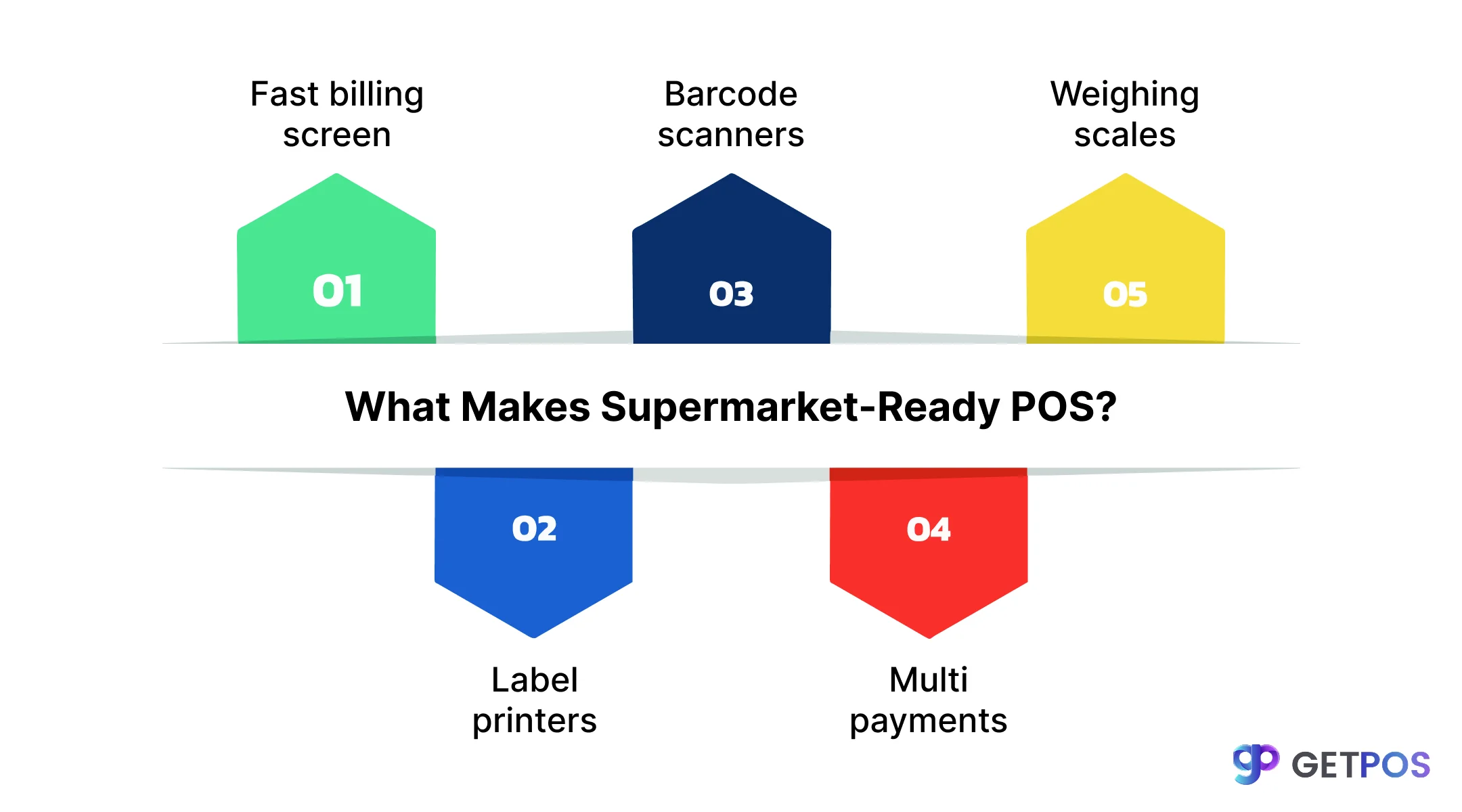
What Makes a Supermarket-Ready POS?
A modern supermarket POS combines hardware, software, payments, and extra tools of the Retail POS System made for stores with thousands of items and weight-based sales. It handles busy counters better than basic retail setups. Here are five key parts that make it ready for supermarkets.
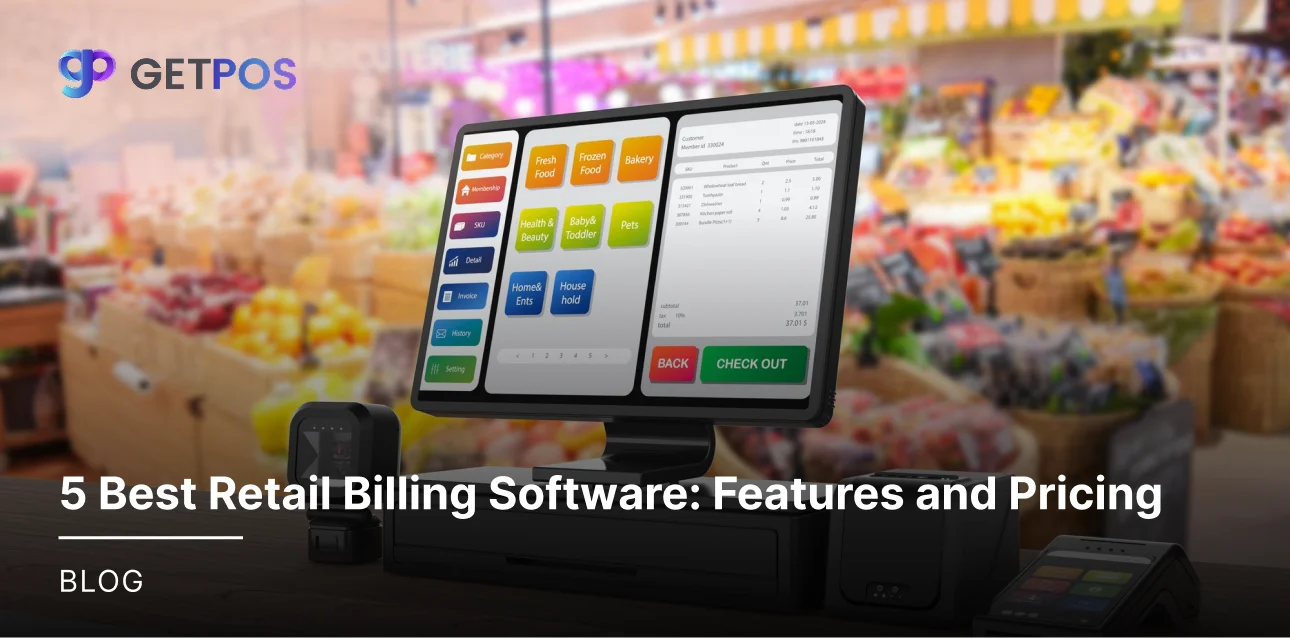
Having a Fast User Interface: The screen in a supermarket POS system uses big buttons and clear layouts, so the staff touch once to add items or apply discounts. This works fast, even with new workers, so that the checkouts finish in seconds, not minutes, during peak hours. This way, the customers wait less and buy more.
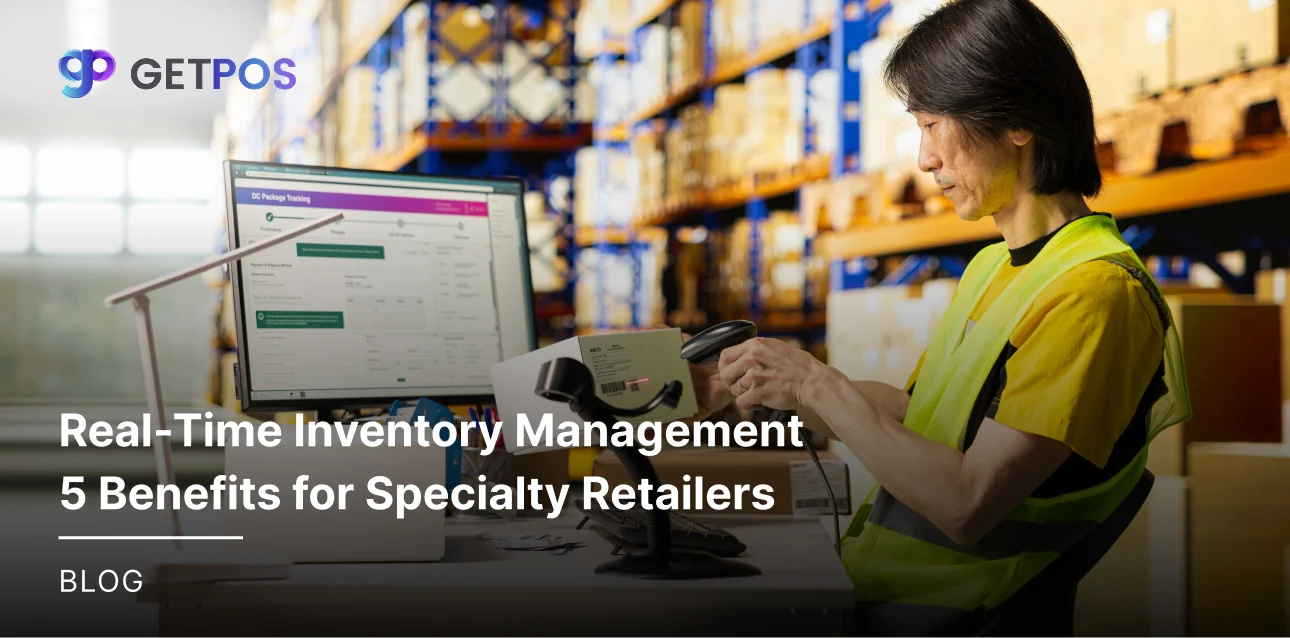
Providing Proper Barcode Scanner Support: The efficient grocery store POS links directly to scanners for quick item reads, so there is no typing of long codes. It manages high SKU volumes like 10,000+ products without mix-ups. Staff scan packs or cans smoothly, this cuts errors and speeds up daily sales flow.
Know more about the inventory management techniques.
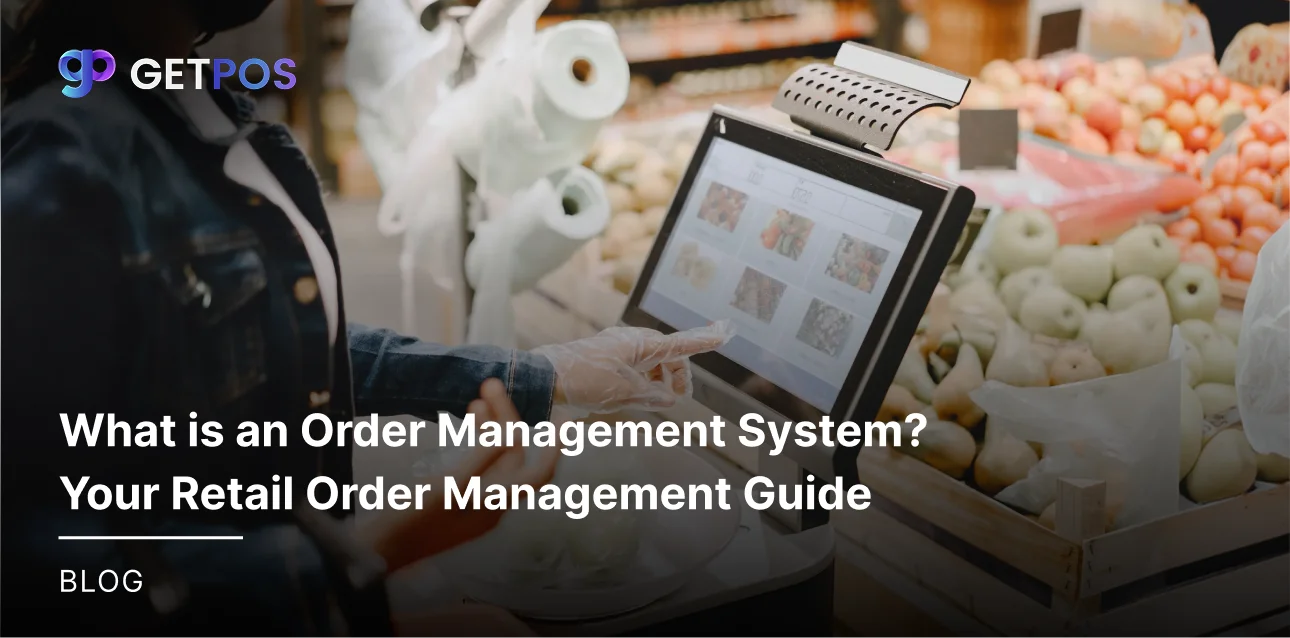
Efficient Weighing Scale Integration: In many grocery stores, the scales connect to supermarket billing software for fruits, veggies, and meat, where the weight shows on screen instantly. Here, the price is calculated by kilo or gram right away, so there are no manual notes or delays. This handles loose items common in groceries accurately every time.
Proper Label Printer Compatibility: The software for supermarket billing system prints tags with barcodes, prices, and dates at the counter, to update shelves fast after stock changes. Receipts come out clear, too, this keeps everything labeled right and helps track expiry for fresh goods.
Having Built-in Payment Options: A full grocery store POS systems takes cash, cards, UPI, and apps together, plus here the screen shows all totals and change. No extra devices or steps, and thus, the payments are done quickly across all methods. This fits every customer’s need without slowdowns.

Must-Have Features in POS Solutions for Supermarket & Grocery Stores
The best POS solutions for supermarket & grocery stores process 100+ items per minute to cut long queues. Staff scan and bill quickly during rush hours, so that the customers stay happy instead of leaving, and daily sales go up without any delays.
Supermarket POS handles cash, cards, UPI, and wallets on one screen, and there is no need for extra steps or machines. Shoppers pay their way fast, which shortens checkout time and avoids change disputes.
This is How GETPOS Supports multi-location businesses.
Grocery store POS systems show live inventory across all counters to avoid any stockouts when items sell out fast. Owners reorder right on time and keep shelves full to grab more sales.
The supermarket POS system flags old stock before spoilage hits. Batches for fruits, dairy, and cans get tracked easily.
Grocery store POS adds offers and points right at checkout, so that your hoppers enjoy discounts and rewards instantly. You can also see repeat visits increasing along with bigger basket values, all without manual math.
Use the best Stock Management Software for Better Inventory.
Conclusion
Always, choosing the right POS solutions for supermarket & grocery stores fixes daily problems like slow billing, stock issues, and waste. A good supermarket POS system speeds up work, cuts costs, and helps grow sales through better tracking and customer offers. GETPOS works well for supermarkets because it handles fast billing, weight items, and multiple payments smoothly. It connects inventory and loyalty without hassle. Start with GETPOS to see real results in your store operations and profits within weeks.
Frequently Asked Questions
Grocery stores need special grocery store POS for perishables, bulk items, and high traffic. Basic retail POS slows down and misses expiry tracking. This setup cuts waste, speeds billing, and tracks stock in real time.
An efficient supermarket POS updates stock live as items sell. It shows low stock alerts and expiry dates. Owners avoid overstock or shortages. Staff see exact counts across counters without manual checks every day.
Supermarket billing software takes cash, cards, UPI, and wallets. All options show on one screen. Payments process quick without extra machines. Customers choose their method, and totals update right away.