
Quick Summary
This blog helps restaurant owners pick the right mobile POS restaurant system. It covers how to assess your needs, compare costs, check hardware quality, and test speed during busy hours. You will also learn about support and integration with other tools. A simple guide to make a smart choice for your business.
Table Of Contents
Introduction
Restaurants and food chains can greatly benefit by using an efficient mobile POS restaurant system as it easily replaces outdated, bulky cash registers with sleek, handheld devices that allow staff to take orders and process payments from anywhere on the floor. But because there are so many different systems available today, it is easy for restaurant owners to pick one that does not fit their business. This can slow down service, upset the staff, and hurt daily profits. In this blog post, we clarify things and offer a straightforward guide to assess your operational requirements and choose the ideal POS system for your unique restaurant concept.
Key Takeaways
Understand your restaurant's style before choosing any POS system.
Pick durable handheld devices that survive daily restaurant use.
Check total costs, including software, hardware, and processing fees.
Test system speed during busy times before making a decision.
Ensure the vendor offers 24/7 support and offline mode.
Why Your Restaurant Needs a Dedicated Mobile POS
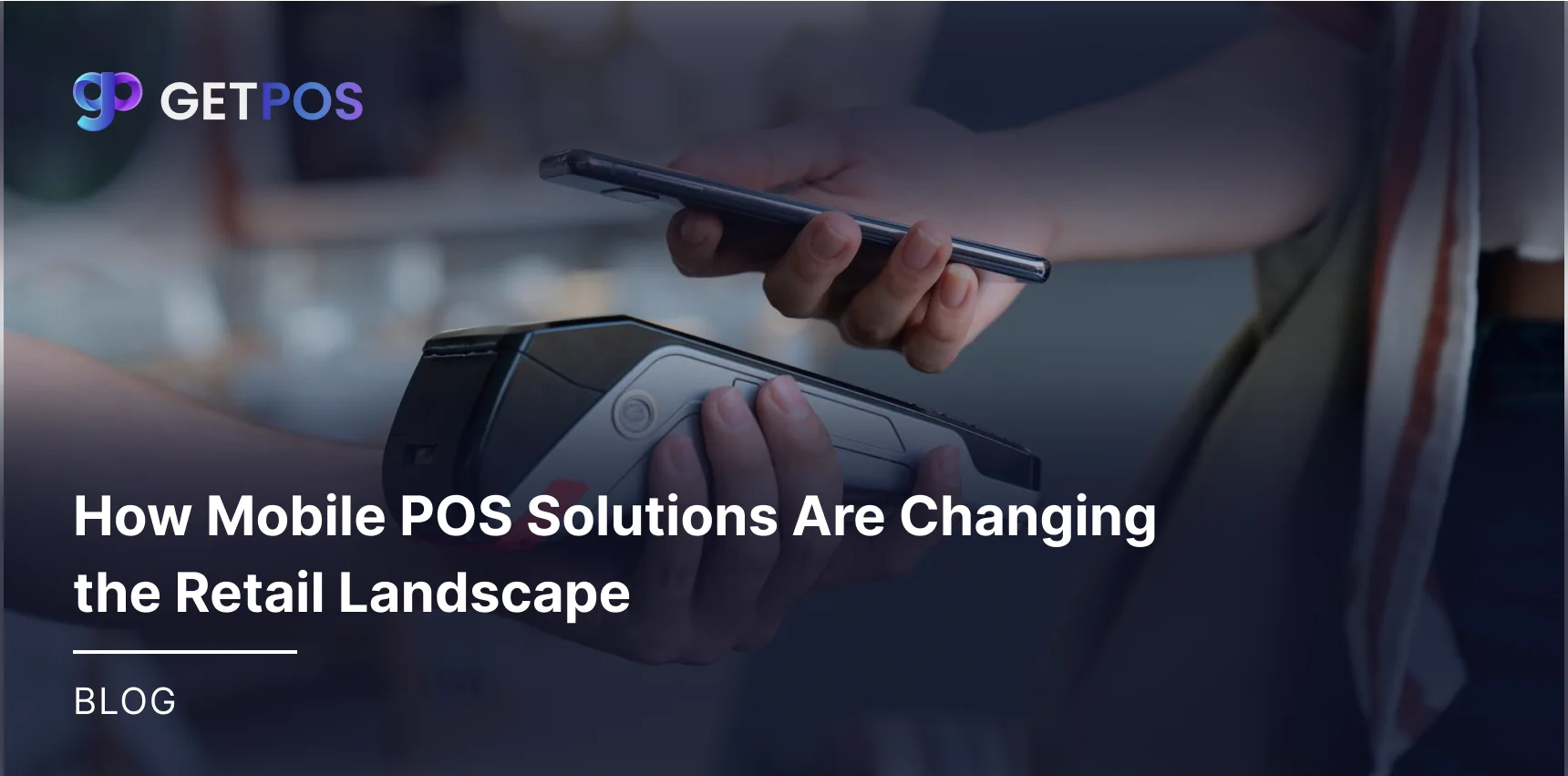
When your restaurant, whether big or small, has a mobile restaurant POS, it helps you do things that go far beyond just taking card payments. It basically turns your entire dining area into a hub where service happens faster and more smoothly.
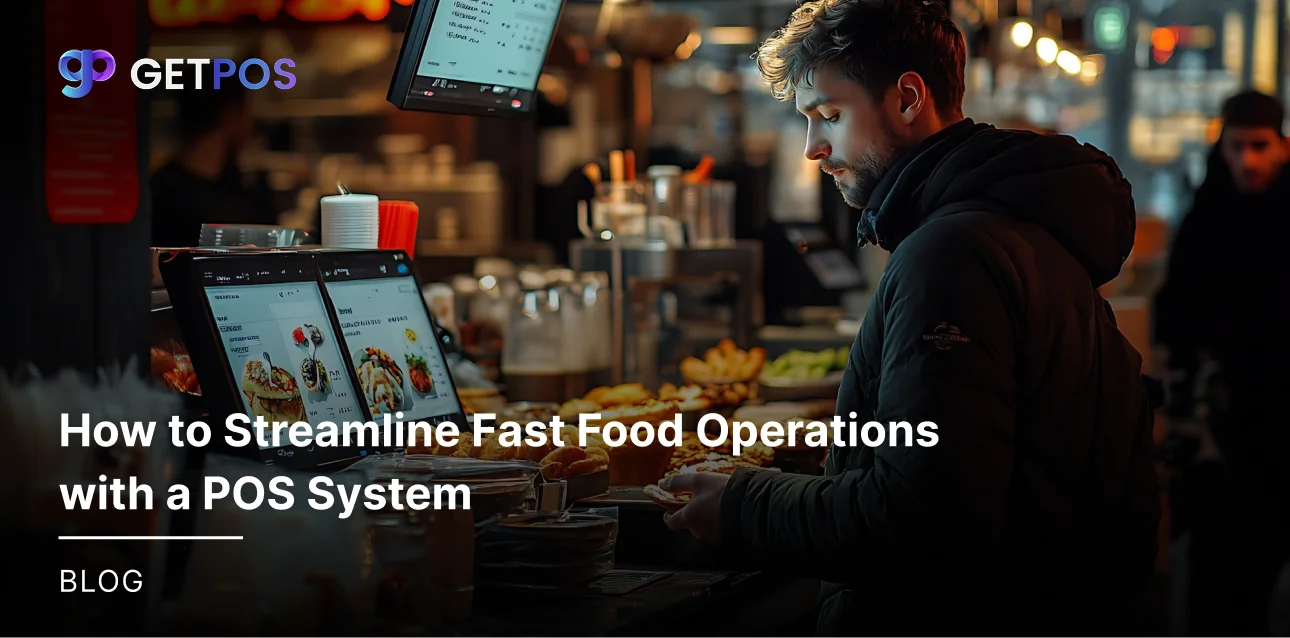
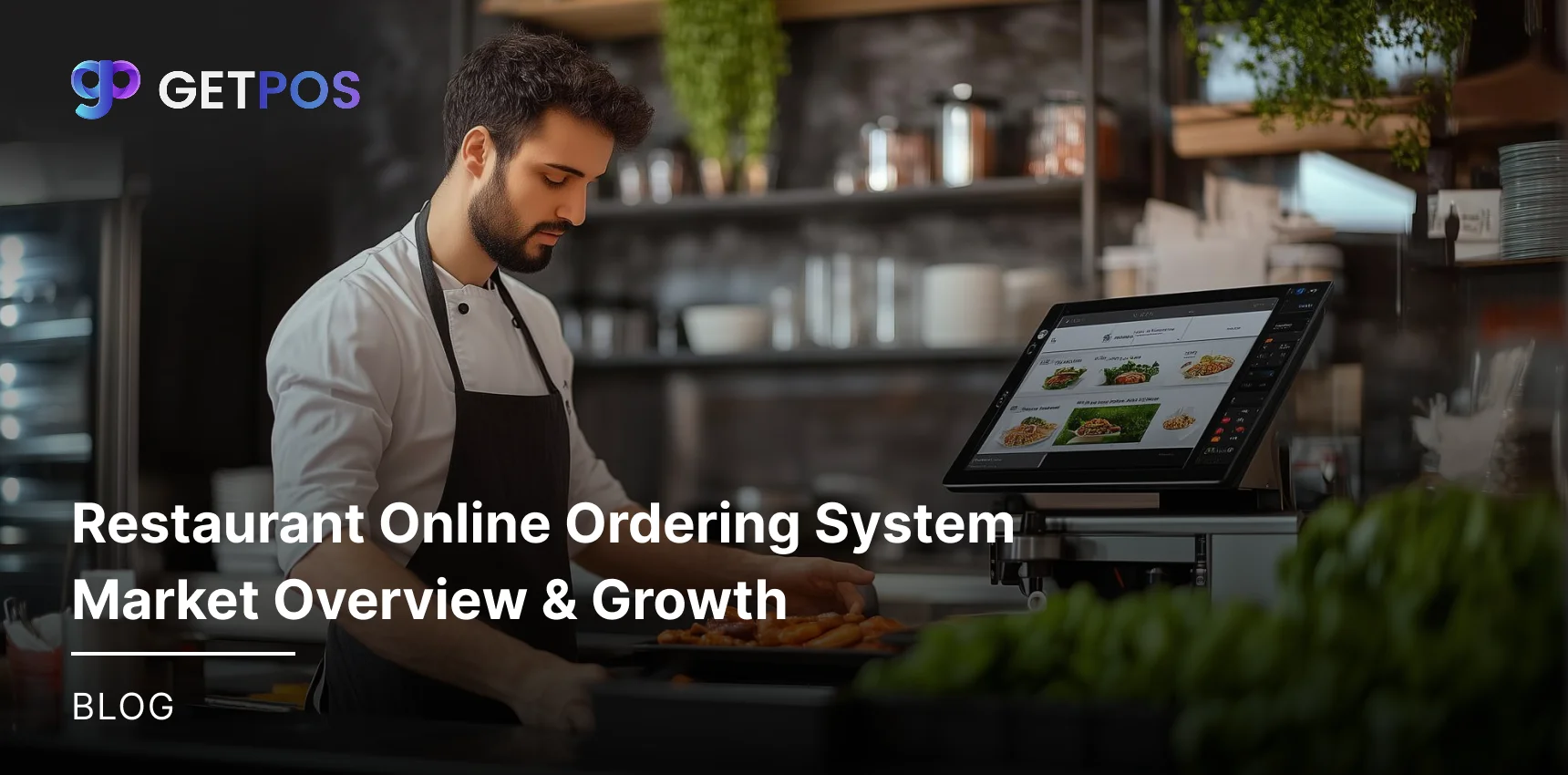
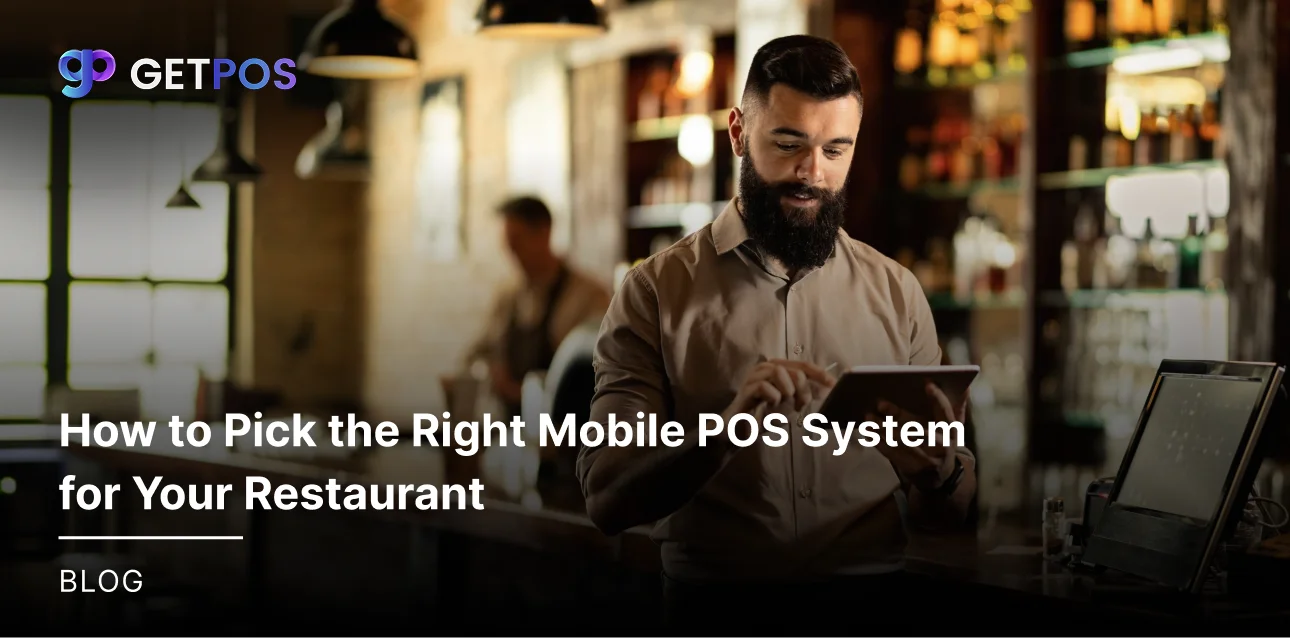
Here is how it works- when your staff takes orders right at the table using a handheld device, the order goes straight to the kitchen. That means no more waiting for someone to walk to a terminal, and fewer mistakes because orders are not forgotten or misheard. Your servers can also spend more time actually talking to guests instead of running around.
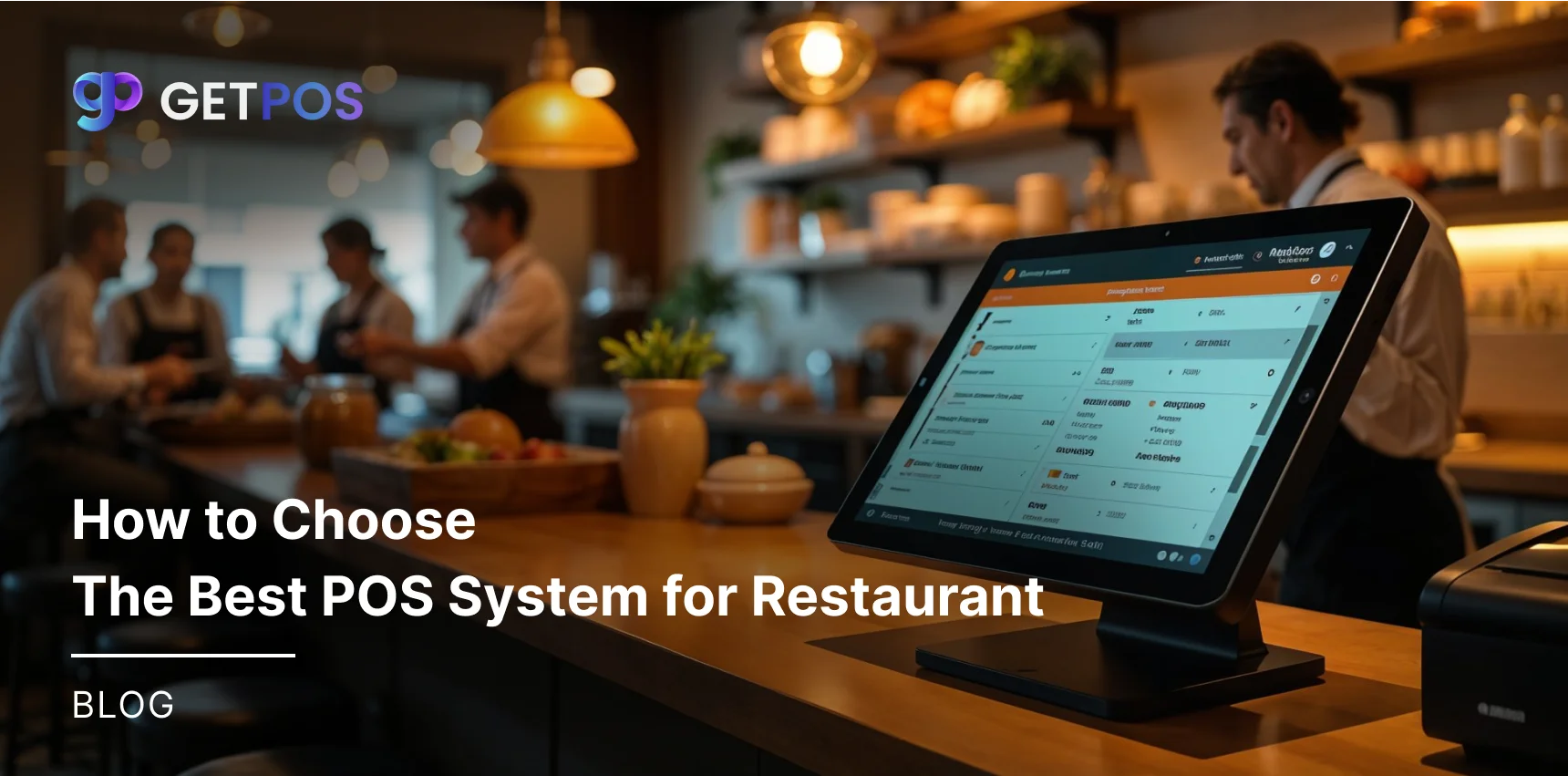
If you choose a cloud-based POS for restaurants, or the best POS system for restaurants, it connects your front-of-house and kitchen seamlessly. Orders show up instantly on the kitchen display, so cooks start preparing right away. This cuts down ticket times and reduces errors from handwritten slips. No matter what type of place you run, handheld POS systems for restaurants can work for you.
For example, if you own a food truck, you need a device that is rugged and can survive bumps. But if you run a fine dining spot, you want something small and discreet for quiet tableside payment.
See this Restaurant POS Systems Guide.
Check Your Restaurant's Needs Before You Choose POS
Since every restaurant business is different, and so is the way they conduct their business, you should first understand your own service style before looking at any restaurant POS system. Some restaurants need a system built for quick counter speed, while others require full table management features for sit-down dining. Getting this step right is important because the wrong software will create problems, no matter how good it looks.
You should also walk through the entire guest experience in your head and think about what happens from entry to exit. The goal here is to spot where things usually go wrong, such as long waits for the bill or incorrect orders being sent to the kitchen. Knowing these weak points helps you understand what your new mobile POS system for restaurants must actually fix.
After that, sit down and make two simple lists, and then write down what your business absolutely cannot run without, like offline mode if you operate a food truck. Then list features that would be nice to have but are not essential, such as advanced loyalty programs. This approach stops you from spending money on extras that do not really help your daily operations.
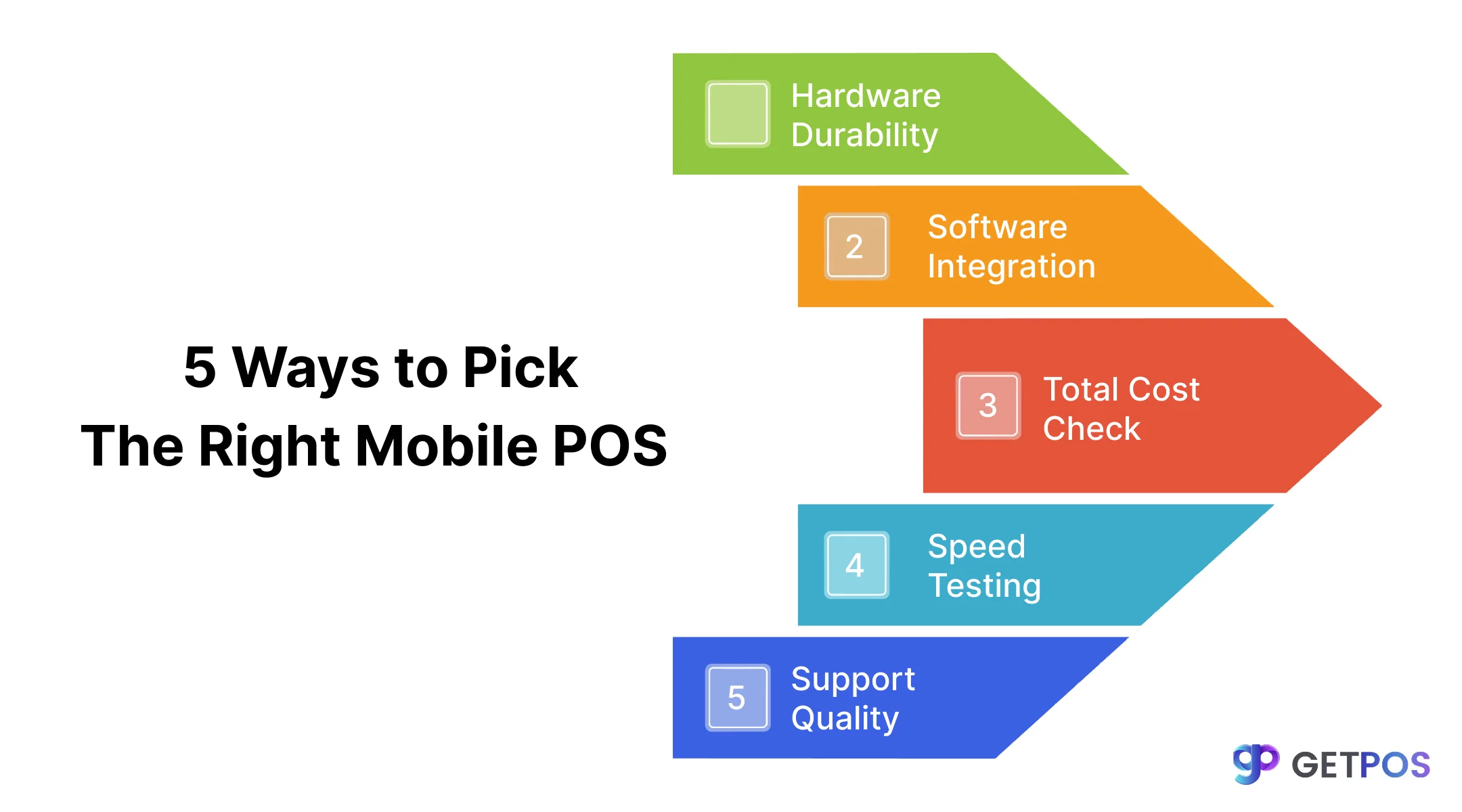
5 Ways to Pick the Perfect Mobile POS System
When you are choosing a suitable POS, you need a clear checklist so you do not end up with the wrong system.
1. Look at hardware durability first
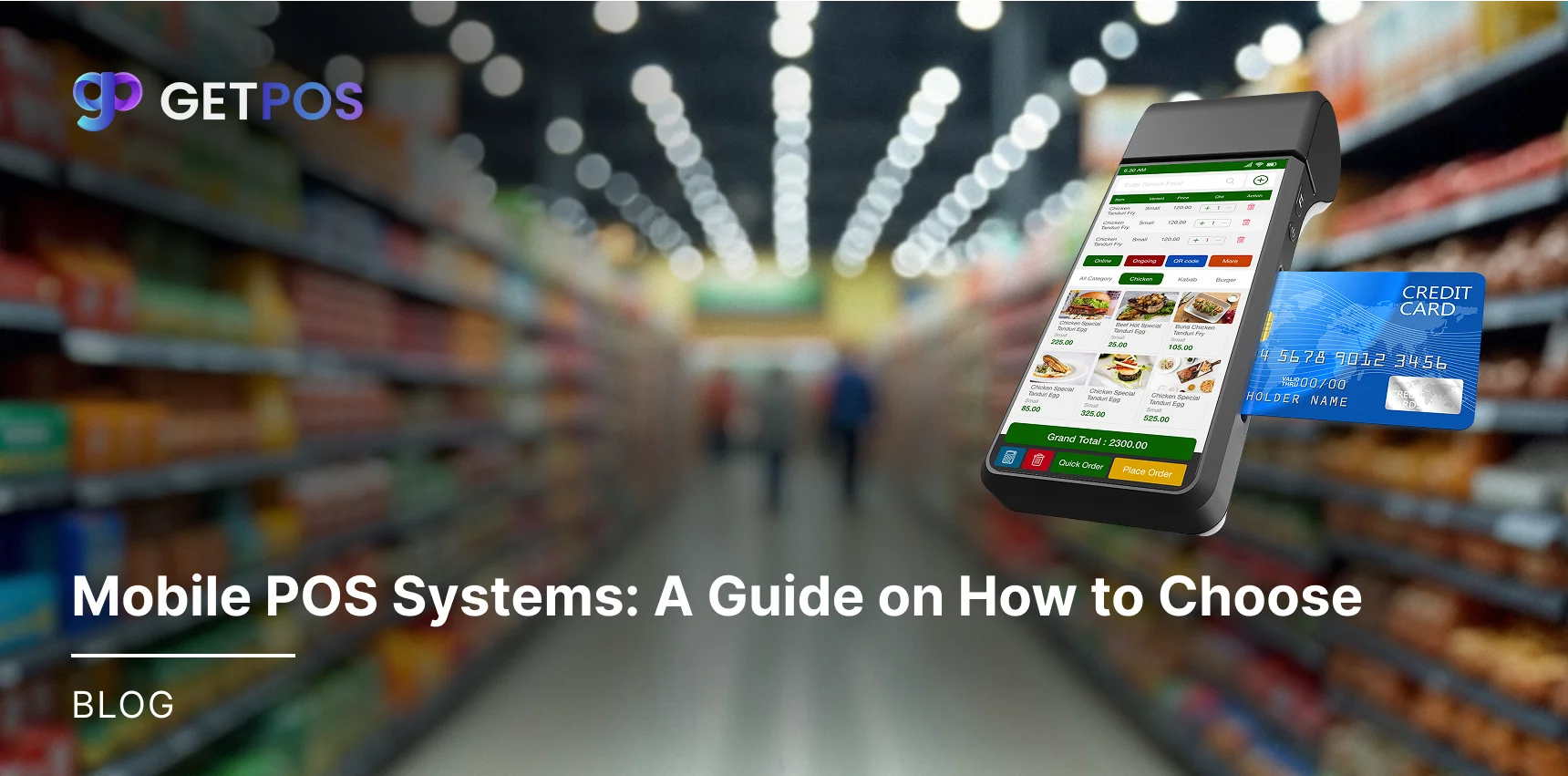
Your staff will use these devices all day, so they need to handle drops and spills. Handheld POS systems for restaurants come in different forms. A simple card reader for a phone costs less but may not survive heavy use. A dedicated all-in-one device costs more but runs your whole operation and lasts longer.
2. Check if it connects with your other tools
A mobile POS restaurant should not work alone. It needs to connect with your accounting software, delivery apps like DoorDash, and reservation systems. Good integration means orders flow automatically and you avoid typing the same information twice.
Know these Restaurant Technology Trends for 2026.
3. Look at the full cost, not just the price tag
Many buyers only check the upfront price and miss other charges. When you do a restaurant POS comparison, look at software fees, payment processing rates, hardware costs, and add-ons for payroll or loyalty programs. A cheap system upfront might have high transaction fees that add up over time.
4. Test how fast it works during busy times
A system that slows down during a Saturday night rush will upset your customers and staff. Take advantage of free trials and test it during your busiest mock scenarios. A good cloud-based POS for restaurants lets servers split checks and send orders fast. The interface should be simple enough for new seasonal workers to learn quickly.
5. Find out about support and offline features
You need to check what happens when the internet goes down. Your system must still work offline so you can keep serving customers. Also, check if support is available 24/7 since restaurants operate late nights and holidays. Read real reviews from other restaurant owners about their experience, because many mobile POS systems have gaps in support when you actually need help.
Choose the Best Restaurant Inventory Management Software 2026.
Conclusion
Now you have a clear idea of what to look for in a mobile Restaurant POS system. Here you can start by understanding your own restaurant needs, then work through the five points we discussed. Taking these steps will help you choose a system that works smoothly every day. If you want a reliable option built specifically for food businesses, you should try GETPOS. It offers durable handheld devices and simple software designed to make your daily operations easier and faster.
Frequently Asked Questions
Yes, most modern cloud-based systems have an offline mode. They store transactions during the outage and automatically upload them once the internet connection is restored, so you never stop selling.
No, good systems are designed to be simple and intuitive. Most servers learn the basics quickly because the screens are easy to navigate, plus many vendors also provide video tutorials and guides for staff.
Yes, most modern systems integrate with tools like QuickBooks, DoorDash, and Uber Eats. This saves time by automatically syncing sales and orders so you do not have to enter data manually.