
Quick Summary
The right Bar POS features help you plug profit leaks in your bar business. This guide covers pre-authorization for tabs, accurate pour cost tracking, mobile ordering, and automated pricing. Learn which tools stop inventory loss and speed up service. Choose a bar POS system that protects your money and helps you serve more drinks per shift.
Table Of Contents
Introduction
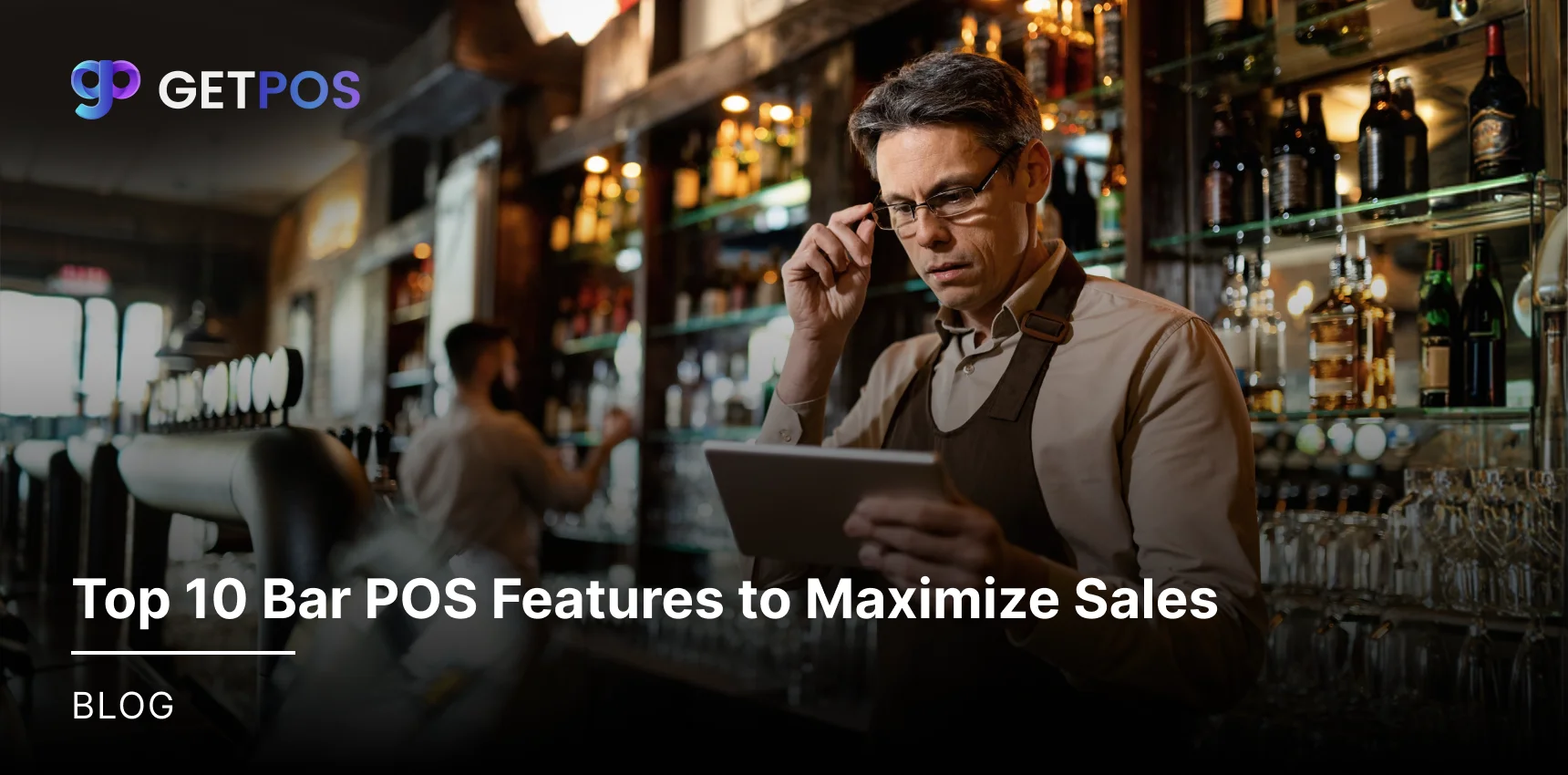
For your bar business, if you are looking to scale it and maximize your sales, you should make sure that you have the right tools in place to stop losing money. A simple cash register cannot stop walkouts or track missing inventory. The right Bar POS features help you plug these specific profit leaks. In this blog post, we will look at the exact functions you need to increase speed, control your stock, and put more cash in the bank at the end of the night.
Key Takeaways
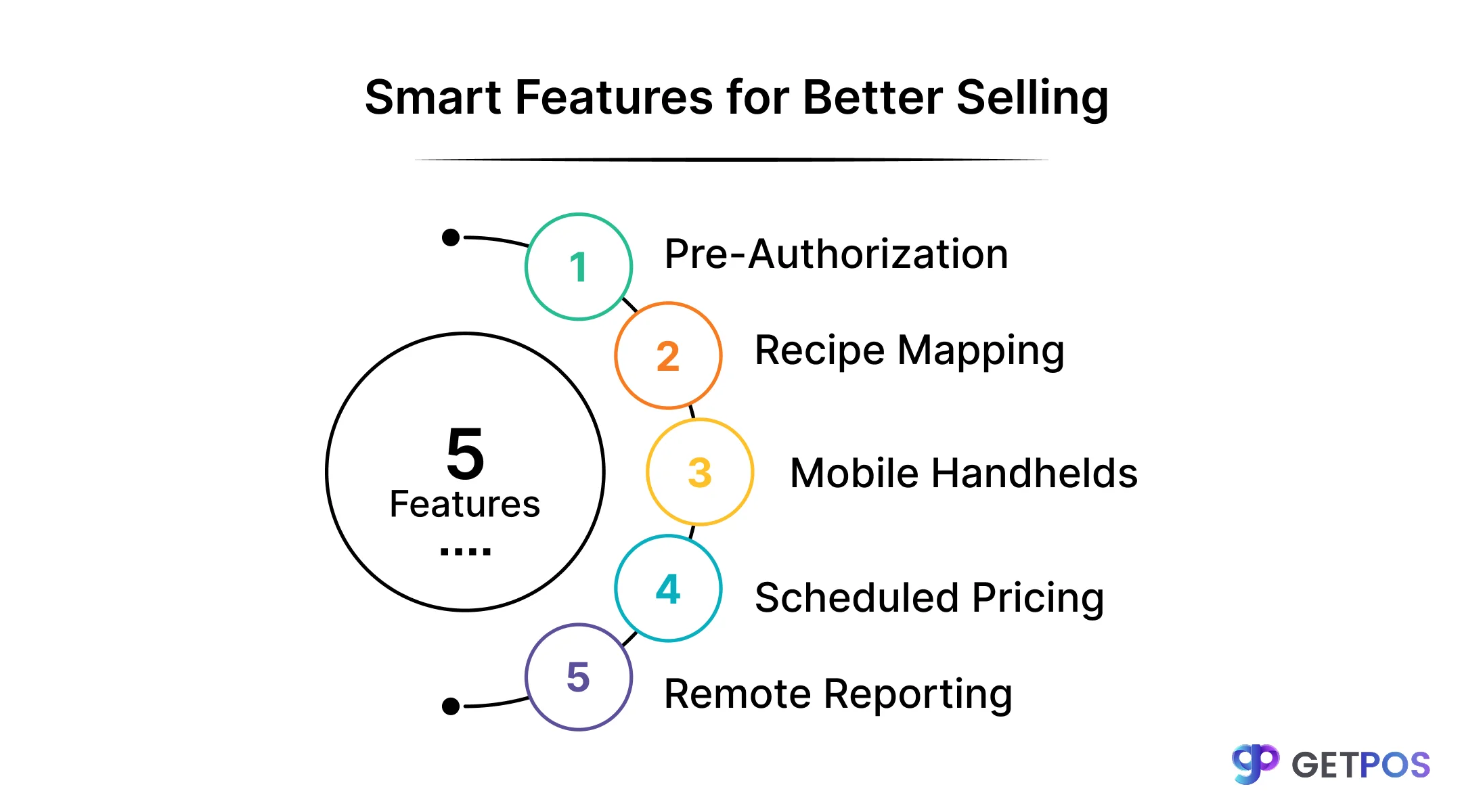
Pre-authorization blocks unpaid tabs.
Recipe mapping catches overpouring.
Mobile handhelds speed up service.
Scheduled pricing protects margins.
Remote reports work from your phone.
Top 10 Bar POS Features to Maximize Your Sales in 2026
When choosing the best system for your business, you need to look past basic sales recording. The right tools directly fix common problems like slow service, missing stock, and unpaid tabs.
1. Pre-Authorization & Tab Management
When a customer opens a tab, the system should hold a small amount on their card right away. This confirms the card is valid and funds are available before you pour a single drink. It protects you from the common headache of a busy night ending with a stack of unpaid tickets. Many bar POS software feature comparison charts miss this detail, but it is a must-have. Good bar POS menu management also lets staff transfer tabs between bar and table easily.
2. Precision Pour Cost Tracking
This feature counts every ounce poured. You build each cocktail recipe into the system. When a bartender rings up a Margarita, the system subtracts exactly 1.5 oz of tequila and 0.5 oz of triple sec from your digital inventory. This is real inventory tracking for bars, not just bottle counting. At the end of the week, you see a report showing what you should have used versus what is actually left. This difference shows overpouring or theft. Proper bar POS menu management makes this tracking possible.
3. Speed Screens & One-Tap Modifiers
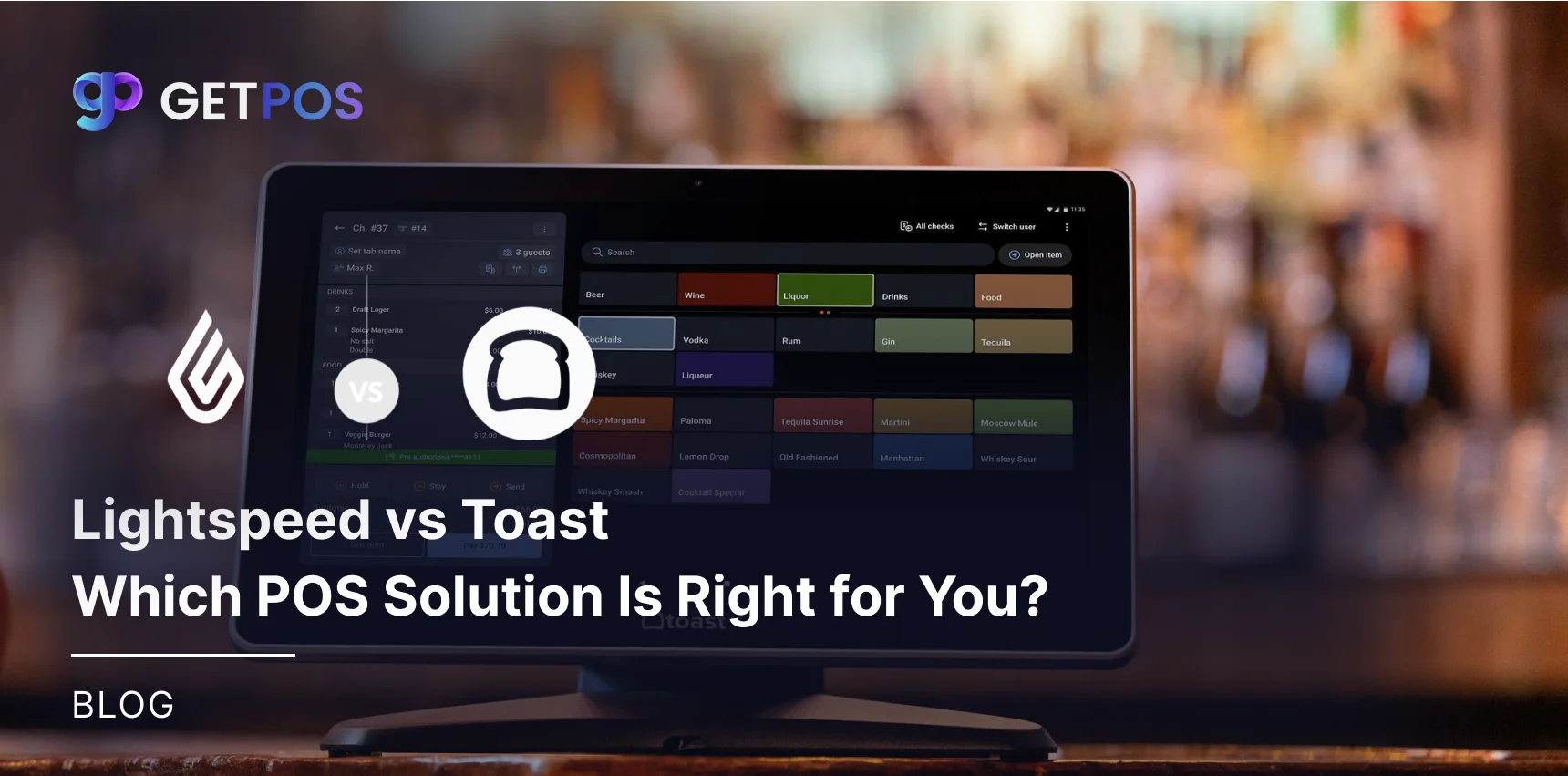
In a packed bar on a Saturday night, seconds matter. You need a screen where top sellers are one large button. Bartenders should not have to search through pages of food items to find a simple well drink. This is one of the top POS features for bars because speed equals more rounds sold per hour. A good bar POS software feature comparison will always show how many taps it takes to complete a common order.
Get this Restaurant inventory management system.
4. Tableside Mobility
Sending a server to a fixed terminal at the back of the house kills momentum. With mobile POS for bars, staff carry a handheld device or tablet. They can open a new tab for a group at a high-top table, add a round of shots, and swipe a card to close out, all without walking away from the guest. This keeps the guest engaged and likely to order one more drink. These specific POS features for bars reduce the time between servicing the orders.
5. Automated Happy Hour & Dynamic Pricing
Manually changing prices in the middle of a rush creates long lines and wrong charges. A proper bar point of sale system lets you schedule price changes days or weeks in advance. You set Happy Hour to run from 4 PM to 7 PM. At 7:01 PM, the system switches every drink back to the regular price automatically. No manager needs to remember to flip a switch. This protects your profit margin without slowing down service during the busy changeover period.
This is the Right POS system for business performance.
6. Integrated Payment Processing
If your payment terminal is separate from your POS screen, you will have errors. Servers might type $50.00 on the POS but $20.00 on the card reader by mistake. A unified bar point of sale system removes this step. The total on the screen is the total sent to the card reader. This also helps when the internet goes down. Look for POS features for bars that include an offline mode so you can keep taking cards even when WiFi fails, syncing everything later.
7. Age Verification Prompts & Compliance Logs
Serving a minor can cost you your liquor license and thousands in fines. A modern bar POS system should force a stop before the sale is complete. When a bartender rings up a beer, a pop-up should ask for the birthdate or require a manager swipe. The system then keeps a digital log of this check. This is not a standard restaurant POS features option; it is a specific need for bars. It provides a legal record showing you did your due diligence if authorities ask questions.
8. Intelligent Upselling & Modifier Alerts
When it is loud and busy, a bartender will forget to ask if you want a double or top-shelf liquor. The POS screen should do the asking for them. When a server selects “Whiskey Coke,” a small pop-up can appear: “Make it a Double? Add $4.” Or “Upgrade to Crown Royal? Add $3.” This is a quiet way to raise the average check size on every single ticket. A review of top POS features for bars shows this is one of the easiest ways to grow revenue without extra effort. Any bar POS software feature comparison should highlight this tool.
9. Employee Management & Tip Pooling Automation
Calculating tips at 3:00 AM with a calculator and a napkin leads to mistakes and arguments. The right Bar POS features handle this math for you. The system tracks hours worked for each bartender and barback. It can split credit card tips automatically based on a percentage or points system you set up. It also tracks every single comp or void made by each employee. This data helps you spot patterns in a bar point of sale system that might show internal theft or carelessness.
10. Real-Time Remote Reporting & Mobile Access
You do not need to be sitting in the back office to know if the bar is making money tonight. Cloud-based bar POS system reports show up on your phone. You can check sales per hour, current labor cost percentage, and which drinks are selling best from your couch at home. You can also check inventory tracking for bars remotely to see if you need to place an order before the weekend rush. This is the main difference in a bar POS software feature comparison between old legacy systems and modern cloud tools.
Conclusion
Running a bar means stopping small losses before they become big problems. The ten features we covered help you control your costs, speed up service, and keep tabs on walking out the door. GETPOS Restaurant POS gives you all these tools in one simple system. With GETPOS, you can check sales and stock from your phone anytime. That means you stay in control even when you are not at the bar.
Frequently Asked Questions
Yes. Recipe mapping subtracts exact ounces per drink sold from digital inventory. Reports compare what you should have used versus actual depletion, showing exactly where overpouring or theft occurs.
Yes. Staff with handheld devices take orders and close tabs tableside without walking to a fixed terminal. This reduces time between order and payment, increasing table turns and tips.
Yes. Scheduled pricing lets you set happy hour times in advance. The system switches all drink prices at the exact start and end time without manager input, protecting margins and reducing errors.