
Quick Summary
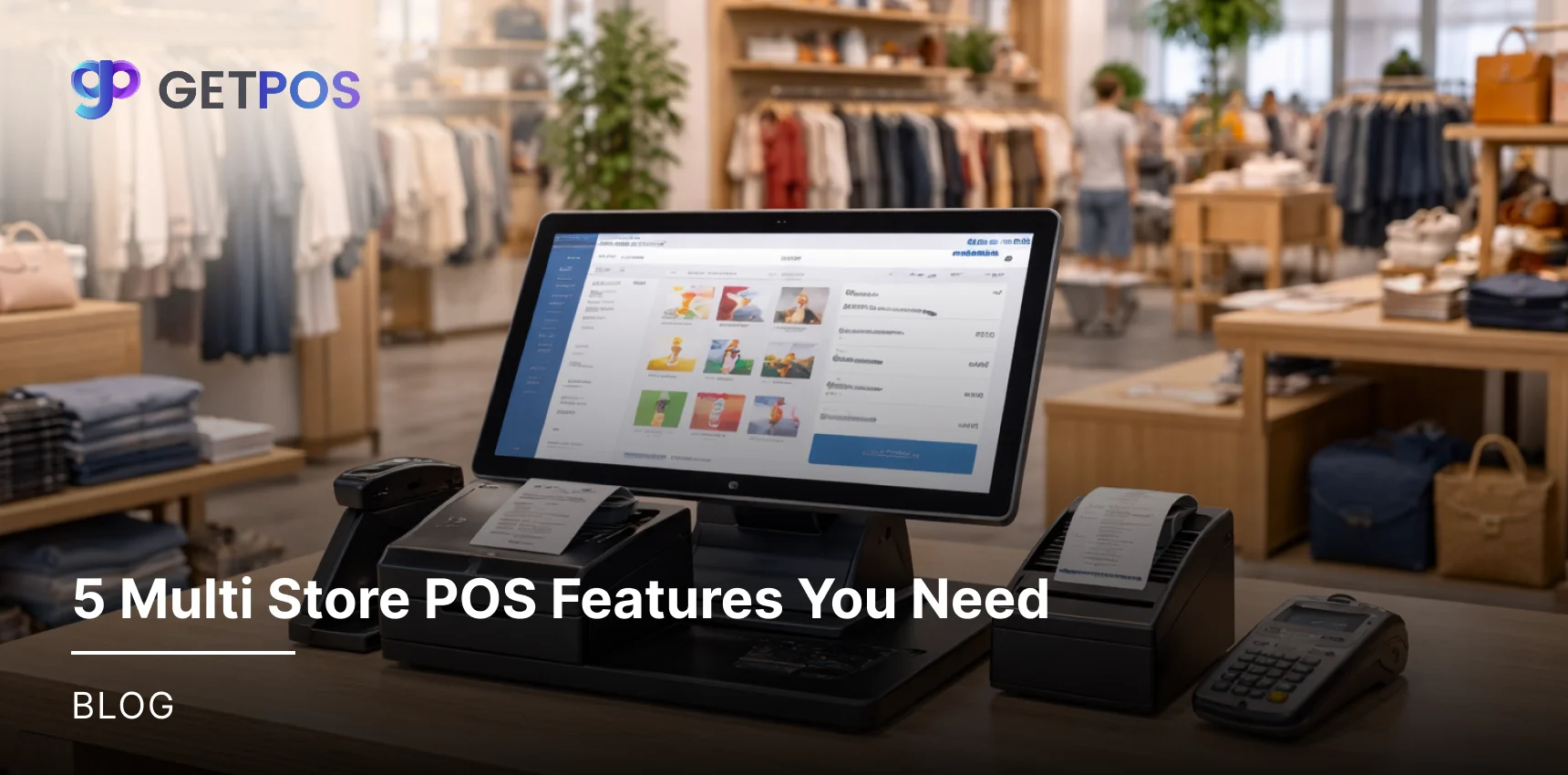
Managing more than one store gets messy without the right tools. This blog covers the top 5 Multi Store POS Features that solve real problems. Learn how a good system helps you track stock across locations, manage customer data, view sales reports, and control staff access from one place.
Table Of Contents
Introduction
When choosing the right fitting Multi Store POS System for your restaurant, it is common to search for the best features that will help you run daily operations. However, if you own more than one outlet, your needs go beyond just processing sales. You need a system that connects all your locations into one single hub. Managing separate systems for each store leads to confusion, stock errors, and wasted time. In this blog post, we will look at the five essential Multi Store POS Features that solve these exact problems and help you scale your business smoothly.
Key Takeaways
View and manage stock for all stores from one single screen.
Track customer purchases and loyalty points across every location.
See sales reports from all stores instantly without waiting.
Connect online orders with physical stores for smooth service.
Control what each employee can see and do in the system.
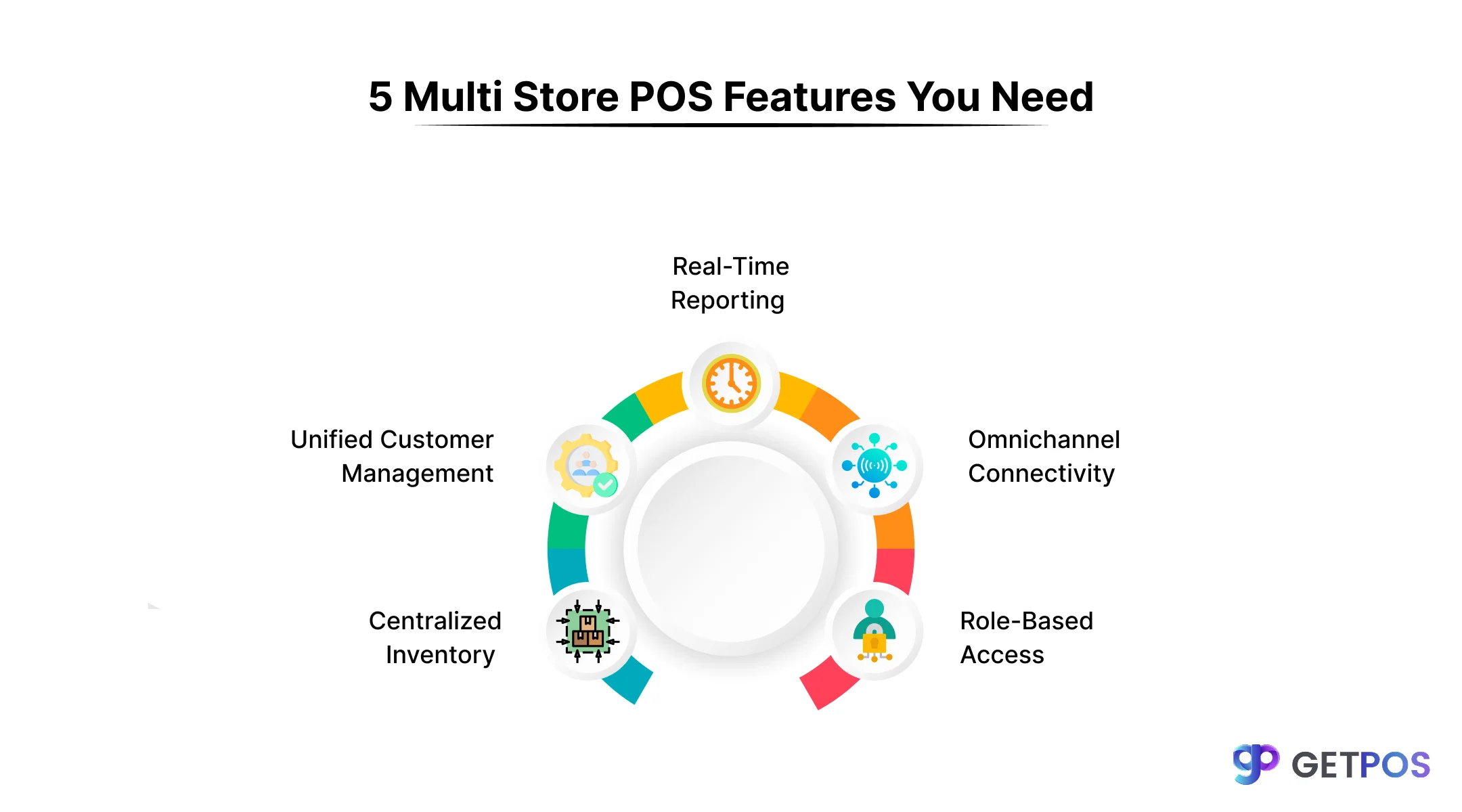
5 Non-Negotiable Multi Store POS Features
Now that you know the five features your business needs, the next step is finding a system that actually delivers them. Not all platforms are built the same.
1. Centralized Inventory Management with Real-Time Sync
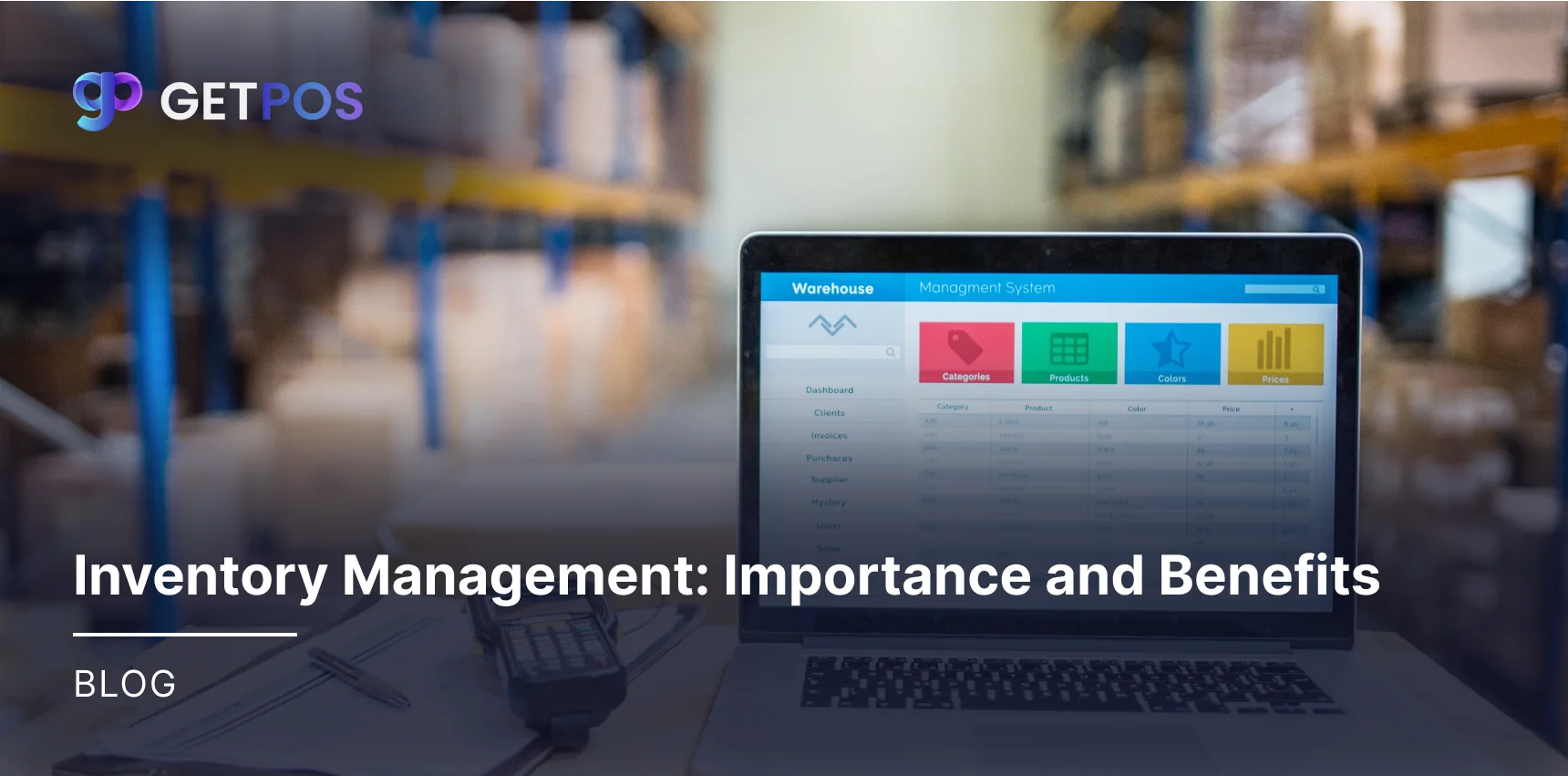
When you run multiple restaurants, knowing how much stock you have is hard if you check each store separately. You might run out of a popular ingredient in one location while it sits unused in another. This feature gives you one screen to see all your stock levels across every store instantly.
It allows you to transfer items between locations when needed. You also get alerts when stock runs low, so you can reorder before a problem happens. This means you will always have what customers want.
For this, you need good inventory management software for multi locations that updates automatically. This multi-location inventory management stops waste and saves money.
Check out the best POS System for Retail.
2. Unified Customer & Membership Management
Customers get frustrated when they visit your second location and the staff do not recognize them. They expect the same treatment everywhere they go. A unified system solves this by keeping all customer data in one place.
When a guest signs up for loyalty points downtown, the uptown restaurant can see that same profile instantly. The system tracks their favorite orders, past visits, and reward balances. This makes every visit feel personal and connected.
It works well whether you use a restaurant POS system or a retail setup, and a modern omnichannel POS solutions let customers earn points online and use them in any of your physical stores for a smooth experience.
3. Real-Time Reporting & Cross-Store Analytics
Understand that waiting for end-of-day texts or emails from each manager to know that your sales are slow and risky can lead to delays in making management decisions. You cannot make quick decisions if your data is delayed, so real-time reporting brings all your numbers into one dashboard that updates instantly.
You can see which location is busy, which items sell best, and how much money you made today, all from your phone or computer. This helps you spot problems early, like a sudden drop in sales at one store.
You truly need a POS with real-time reporting to stay on top. That’s why using a good multi-location POS integration makes this possible, turning your system into reliable multi-location POS software.
Know the best Multi-location business solutions.
4. Robust Multi-Channel & Omnichannel Functionality
Many restaurant owners run their online ordering and physical dining rooms as separate worlds. This creates extra work and confuses customers. Its omnichannel functionality connects all these parts together.
It allows customers to place an order for pickup on your app and grab it from their nearest location. It also lets you manage delivery orders through the same system you use for dine-in guests. Your kitchen sees all orders in the same format, whether they came from a tablet, a website, or a cash register.
If you want POS software for retail chains, ensure it offers this connection. A strong multi-location POS integration creates a smooth flow between your online and offline business.
These are the Best Restaurant POS Systems Of 2026.
5. Customizable User Permissions & Role-Based Access
Giving everyone the same access to your system is a big safety risk. A cashier does not need to see daily profit reports, and a store manager should not change pricing rules for the whole chain.
Its customizable permissions let you control exactly what each employee can see and do. You can set limits so a new hire can only take orders, while a regional manager can view sales for all stores in their area.
The owner gets full access to everything from anywhere. Whether you use a POS for multiple locations or a restaurant POS system, having these controls protects your business data and prevents costly mistakes.
Conclusion
Running multiple restaurants is hard work. You do not need extra stress from systems that do not talk to each other. The right setup with multi Store POS features helps you see stock, track sales, and manage staff from one place. It saves time and stops mistakes. If your current system feels messy or slow, it might be time for a change. You should try GETPOS because it is built to connect all your locations smoothly. It gives you the features we discussed without the high price or complicated setup.
Frequently Asked Questions
Yes, many top inventory tools can integrate with popular POS systems. It's important to check compatibility before choosing software to ensure they share data automatically.
It cuts costs by reducing food spoilage and over-ordering. The software also finds waste patterns and helps you set the right stock levels to avoid tying up cash.
You should look for software specializing in liquor inventory. The key features are fast mobile counting, pour cost tracking, and detailed reports on the profitability of each drink.