
Quick Summary
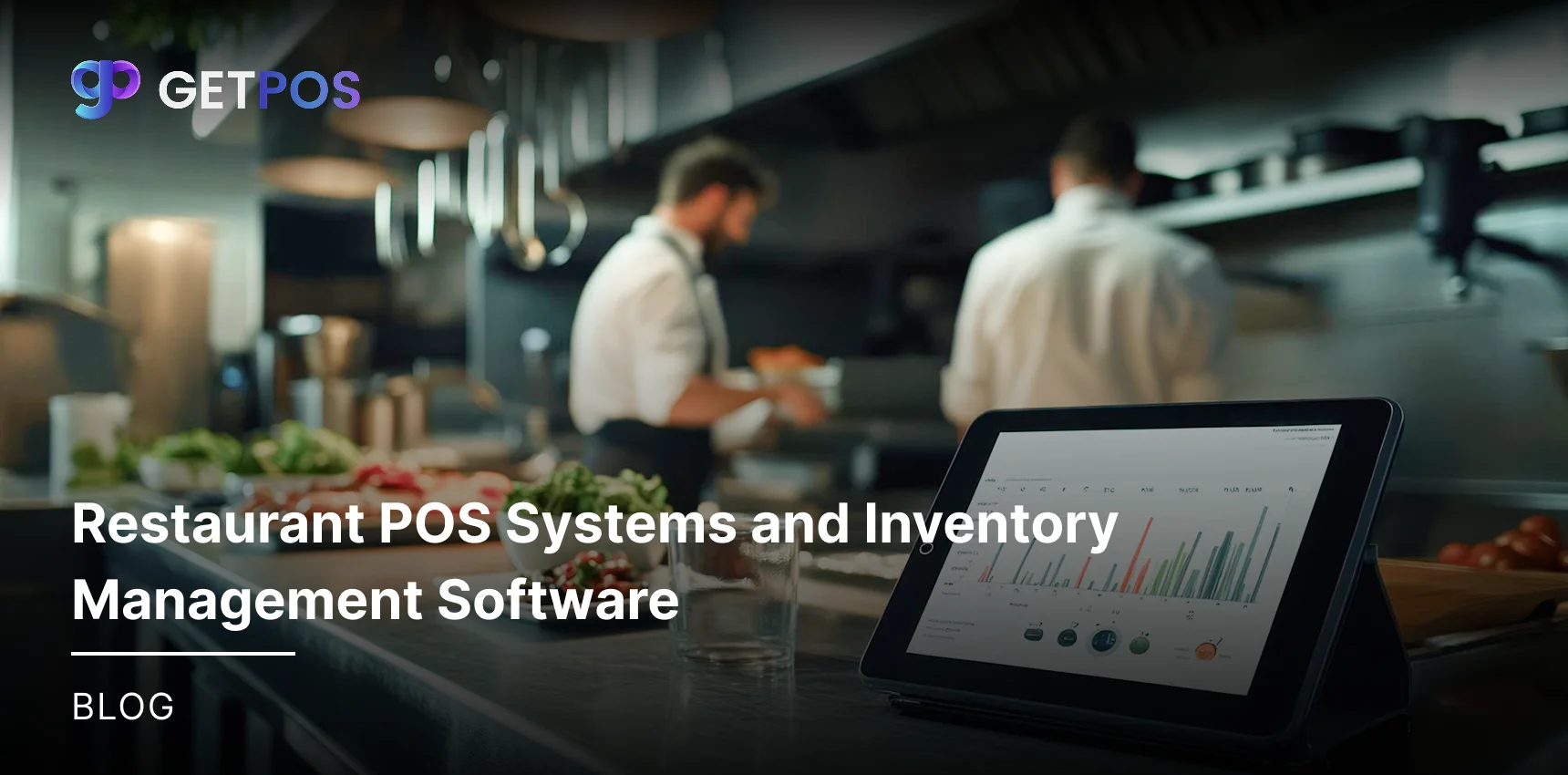
Restaurant POS systems handle orders and payments. Restaurant inventory management software tracks food stock and alerts for low items. Together, they update counts after sales, reduce waste, and save time. Owners see real costs and order smart.
Table Of Contents
Introduction
Restaurant businesses should always choose and implement the best tools to handle orders and track stock. A restaurant POS system takes payments and sends orders to the kitchen fast. Restaurant inventory management software watches food levels and alerts when items run low. Together, they cut waste and save time by updating stock after each sale. In this blog post, you will learn how these tools work alone or combined, their parts, and easy steps to use them. Owners get real-time data to avoid running out of dishes and lower costs.
Key Takeaways
Tracks stock levels in real time.
Sends alerts when items are low.
Connects sales data to inventory automatically.
Helps prevent food waste and spoilage.
Saves time with automatic updates.
Inventory Management Software for Restaurants
For a restaurant to properly maintain and manage the stock of food and supplies, use restaurant inventory management software. This tool tracks items like meat, vegetables, and drinks. It shows current levels and sends alerts for low stock. Key parts include apps to scan items with phones, usage reports, and waste logs.
With this, the staff can check stock on phones or computers anytime. After a busy shift, owners see exact amounts left, like how much rice or sauce remains. This helps avoid running out of menu items. Inventory management for restaurant needs, stays simple and accurate.
This is the Best POS System for Restaurants Features.
How POS Systems Connect with Inventory Software
Restaurant inventory management systems often connect directly to POS systems. When a customer buys a dish, the POS updates stock levels in the software right away. No need for staff to enter data by hand. Restaurant inventory management software uses this link to keep sales and stock matched, and the managers access data from any device with internet.
Here are the main steps for the connection:
Sales from POS subtract items used, like buns or meat, automatically. The POS sends sale data to restaurant inventory management systems. Software removes exact amounts from stock right away. This keeps the counts correct without hand entry.
Low stock triggers alerts to reorder supplies, and when items drop below set levels, the system notifies managers. It lists vendors and amounts needed. Staff place orders fast to avoid shortages.
Reports track waste and usage patterns in inventory management in restaurant industry. Software pulls sales data to show what spoils or sells the most. Owners review daily to adjust buying and cut losses.
Use the Best Point Of Sale Software For Food / Beverage.
What Benefits Do You Gain from a Unified System
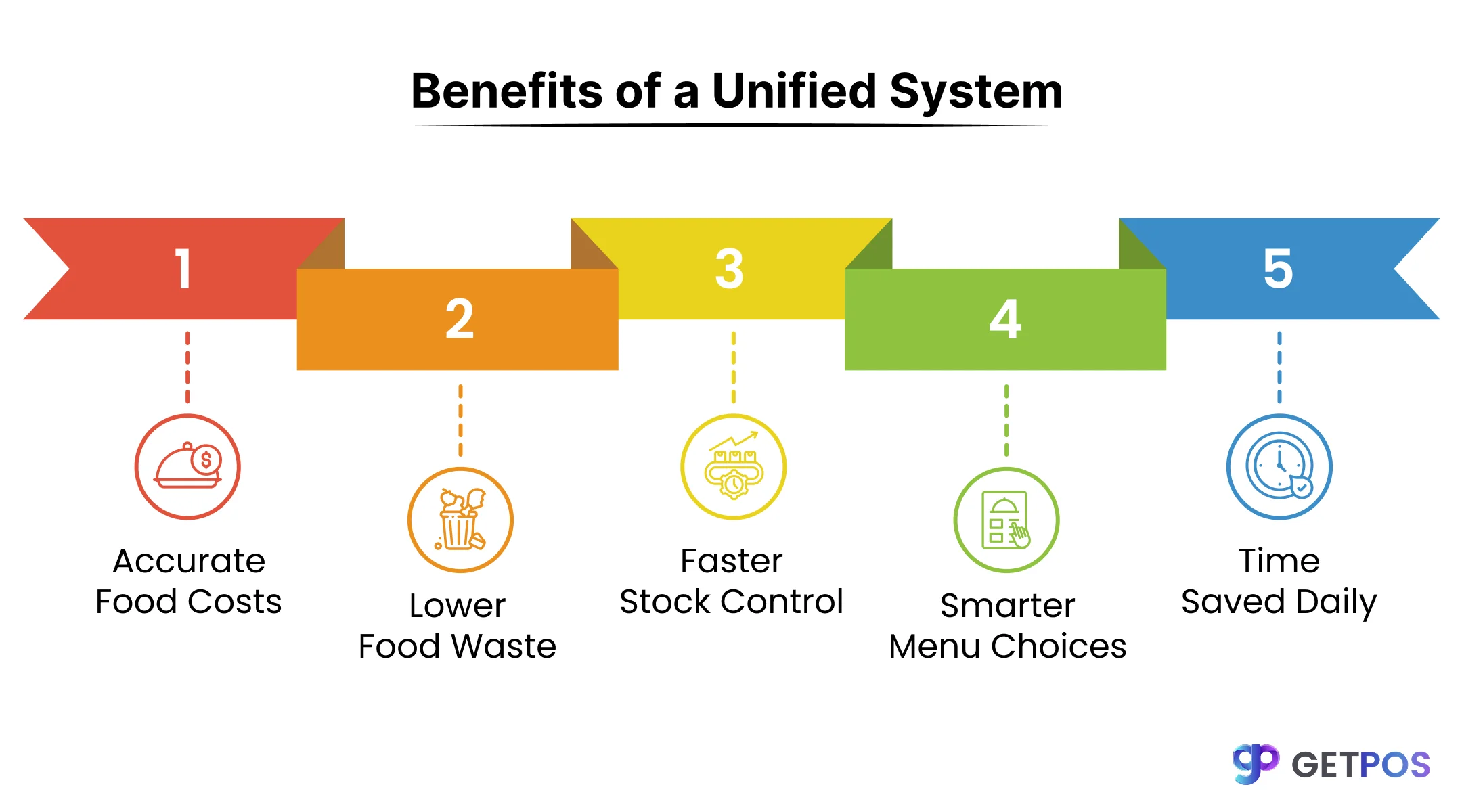
Precise Real-Time Food Cost Tracking: The inventory management system for restaurant tracks every item used. Owners see true percentages after each sale, and this turns stock checks into a smart tool for profits.
Significant Reduction in Food Waste: The system sends low-stock alerts quickly when items near empty. It tracks use-by dates and past sales, and thus the staff can order only the required amounts to prevent spoilage and overbuying.
Streamlined Purchasing and Receiving Processes: The software auto-creates purchase orders when stock hits set levels. It links to supplier lists in cloud-based restaurant inventory management software, where managers review and send from any phone location.
Data-Driven Menu and Promotion Decisions: The reports show top profit items beyond just high sales volume. Owners can easily spot slow sellers for discounts and update the menu with real data to increase overall earnings.
Time Savings and Error Minimization: The tool handles repeat tasks like stock counts automatically, so managers spend time on team training instead. All records match exactly with no mistakes from manual work.
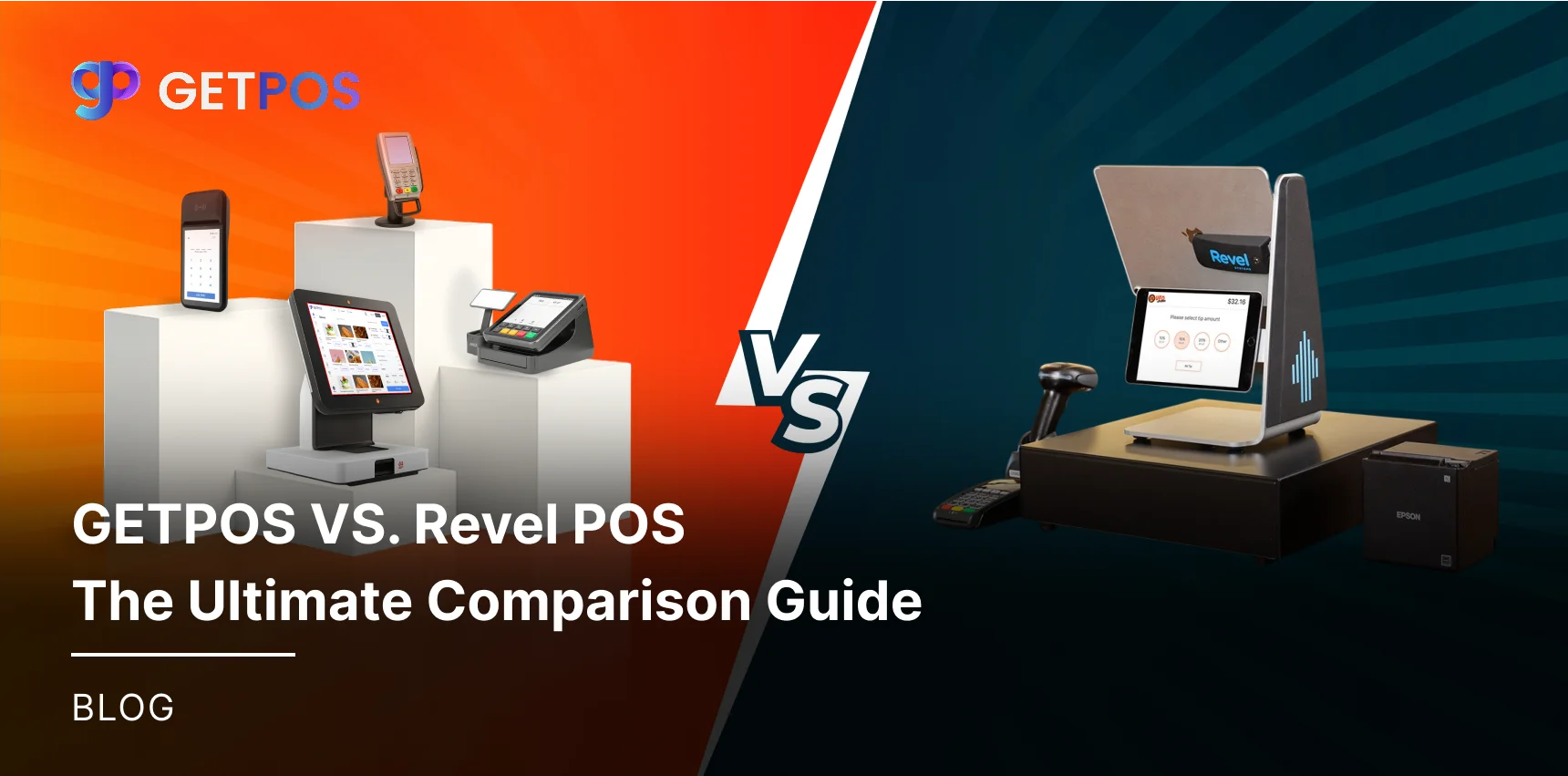
Check out the comparison GETPOS VS. Revel POS.
Choosing the Right Solution: Features That Matter
AI Demand Prediction for Perishables: For your business, the restaurant inventory management systems use past sales data to guess how much fresh food, like meat or veggies, will sell. It tells owners exact amounts to order each day to avoid extras that spoil.
Ingredient-Level Tracking with Reports: When you use the best restaurant inventory management software, it keeps track of each small item in recipes. It compares planned use to actual and shows differences in reports, so staff can fix issues fast to save money.
Multi-Outlet Dashboards: The restaurant inventory management software gives one dashboard view for all locations. This way, the managers see stock levels across branches in real time, to move items between sites to balance needs.
Mobile Apps for Spot Audits: For your restaurant business, the inventory software for restaurants lets staff use phones to count stock on the spot. They scan items during shifts for quick checks, and the data updates live to keep records right.
Always choose Cloud based POS systems for restaurants.
Implementation & Best Practices
Begin with a full, accurate count of all your stock to set a correct baseline for your restaurant inventory management system.
Create digital recipes for every menu item, listing each ingredient and its exact amount in the software.
Train your team on why the system is important and how to use the restaurant inventory management software daily.
Hold weekly meetings to review system reports and adjust your ordering based on the data.
Select cloud-based restaurant inventory management software that can scale easily as your business grows.
Conclusion
Restaurant owners save time and money with restaurant POS systems and restaurant inventory management. These tools track sales, update stock after each order, cut waste, and show real costs. Staff get alerts for low items and make better buying choices. Choose GETPOS for easy stock tracking and real-time alerts. It connects POS with inventory management for restaurant needs and works offline, too.
Frequently Asked Questions
POS systems update restaurant inventory management stock after each sale. They subtract used items like buns from recipes automatically. This keeps counts accurate without manual work at shift end.
Yes, the best inventory management software for restaurants links with POS for auto-updates. Sales data flows to stock records instantly. No more mismatches between what sold and what remains.
Yes, cloud-based restaurant inventory management software runs on phones for quick scans. Staff check stock or log waste during shifts. Data updates live from anywhere with internet.